Your website is no longer just an online brochure. In 2026, it is your first salesperson, trust builder, appointment setter, and data source for search engines and AI-powered tools.
Whether you own an HVAC company, dental practice, law firm, accounting office, landscaping business, or ecommerce brand, your website must help people act quickly while making your business easy for technology to understand.
Premier Marketing Group has helped businesses improve their marketing for more than 10 years. Our mission is simple: help small business owners and growing brands turn digital visibility into measurable calls, appointments, leads, and sales.
A website can look impressive on a large monitor and still fail on the phone your customers use to contact you.
Mobile devices represent approximately 52.6% of worldwide web traffic, according to StatCounter. That means your website should be designed for smaller screens first, then expanded for tablets and desktops.
A homeowner searching for emergency service does not want to pinch, zoom, or hunt through three menus. Every extra step can become a missed opportunity.
A custom layout, responsive structure, and clear calls to action are central to Premier Marketing Group’s custom website design services.
Speed is not merely a technical preference. It affects user experience, search visibility, and conversions.
Google’s recommended Core Web Vitals targets include:
If your site takes too long to load, visitors may leave before they see your best offer. Slow-loading pages also waste money when you are paying for clicks through advertising.
Think of your website like a front door. If the door sticks, customers may never walk inside.
Accessibility helps people with visual, hearing, motor, and cognitive disabilities use your website. It also makes your content easier for search engines and AI systems to interpret.
The WebAIM Million project has repeatedly found detectable accessibility errors on more than 90% of major website homepages. That is a warning, and an opportunity.
Accessibility is not just about compliance. Clear design helps every visitor move from question to action faster.
Visitors should understand what you do, who you serve, and what to do next within seconds.
Your navigation should not force customers to decode clever labels. A home services company may need separate pages for installation, repairs, maintenance, and emergency calls. A professional practice may need clear pages for each major service or area of expertise.
This structure benefits people and helps AI-powered search identify the most relevant information about your business. The best design feels obvious because it removes unnecessary decisions.
A visitor may compare three or four businesses before contacting you. Your website must quickly answer the question: “Why should I choose you?”
Include proof where it supports the decision:
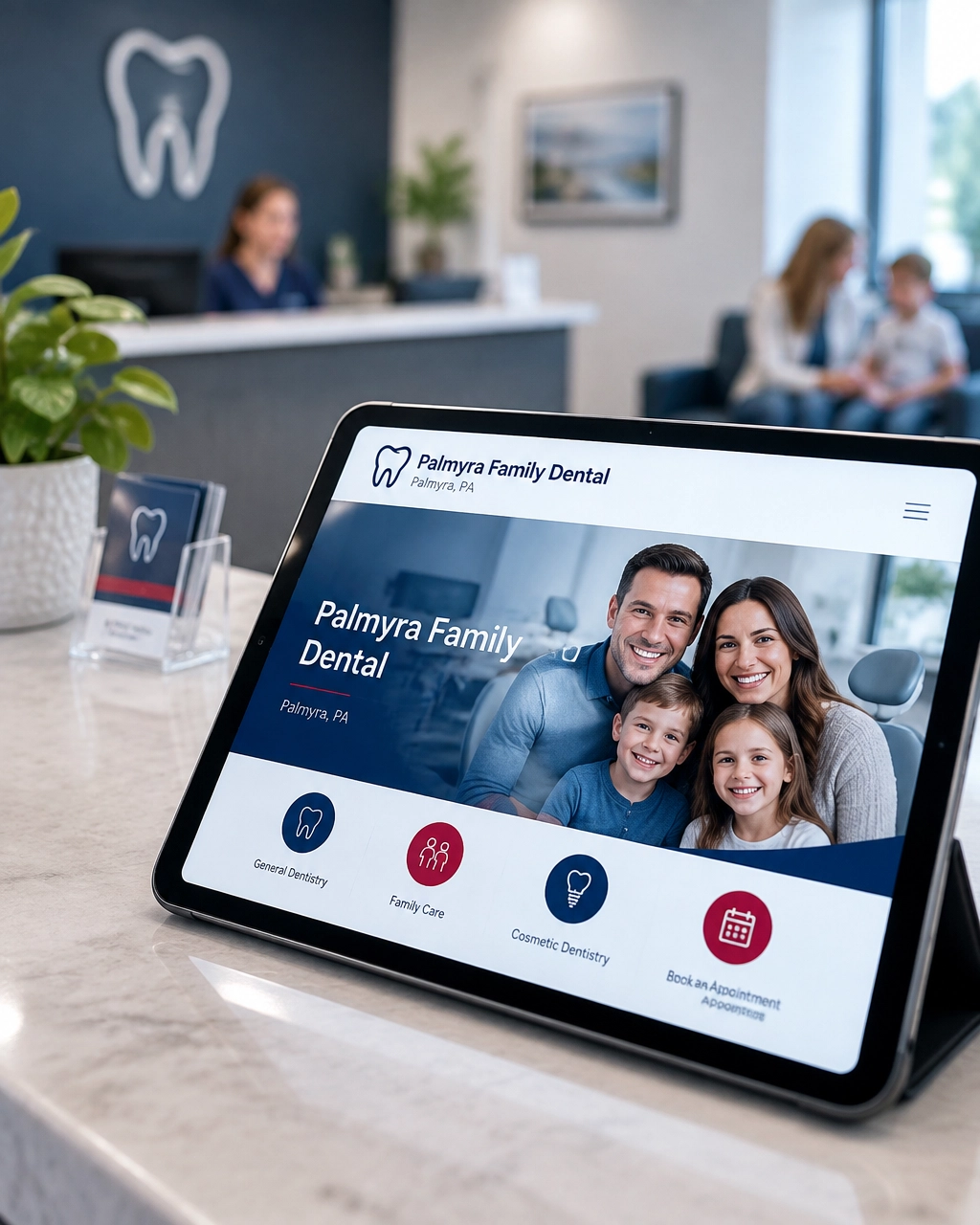
For example, a dental practice should make it easy to find appointment information, accepted insurance, emergency care details, and patient expectations. A contractor should show completed work and explain the process from estimate to completion.
Your website should work with your reputation management for businesses efforts, not leave reviews and credibility signals disconnected from the buying process.
SEO should not be added after the website is finished. The design, page structure, navigation, URLs, headings, and content all influence how search engines understand your business.
Your website should use:
This is where professional SEO services support the foundation created by your web design.
Do not fill pages with repetitive keywords. Instead, answer the questions your customers actually ask:
Clear content helps traditional search, AI-powered search, and real customers. That is the practical connection between strong web design and GEO.
For a deeper look at AI visibility, review this guide to GEO for local businesses.
A beautiful website that does not generate action is an expensive digital display.
Every important page should guide visitors toward an appropriate next step. A homeowner may want to call. A dental patient may want to book. A law firm prospect may prefer a confidential form. An ecommerce customer may need product comparisons and a fast checkout.
Do not ask every visitor to take the same action. Match the call to action to the customer’s level of readiness.
In 2026, your website should not operate as an isolated island.
Connect it to analytics, call tracking, customer relationship management tools, appointment software, ecommerce systems, and marketing automation where appropriate. These connections help you understand what happens after someone visits the site.
Track metrics such as:
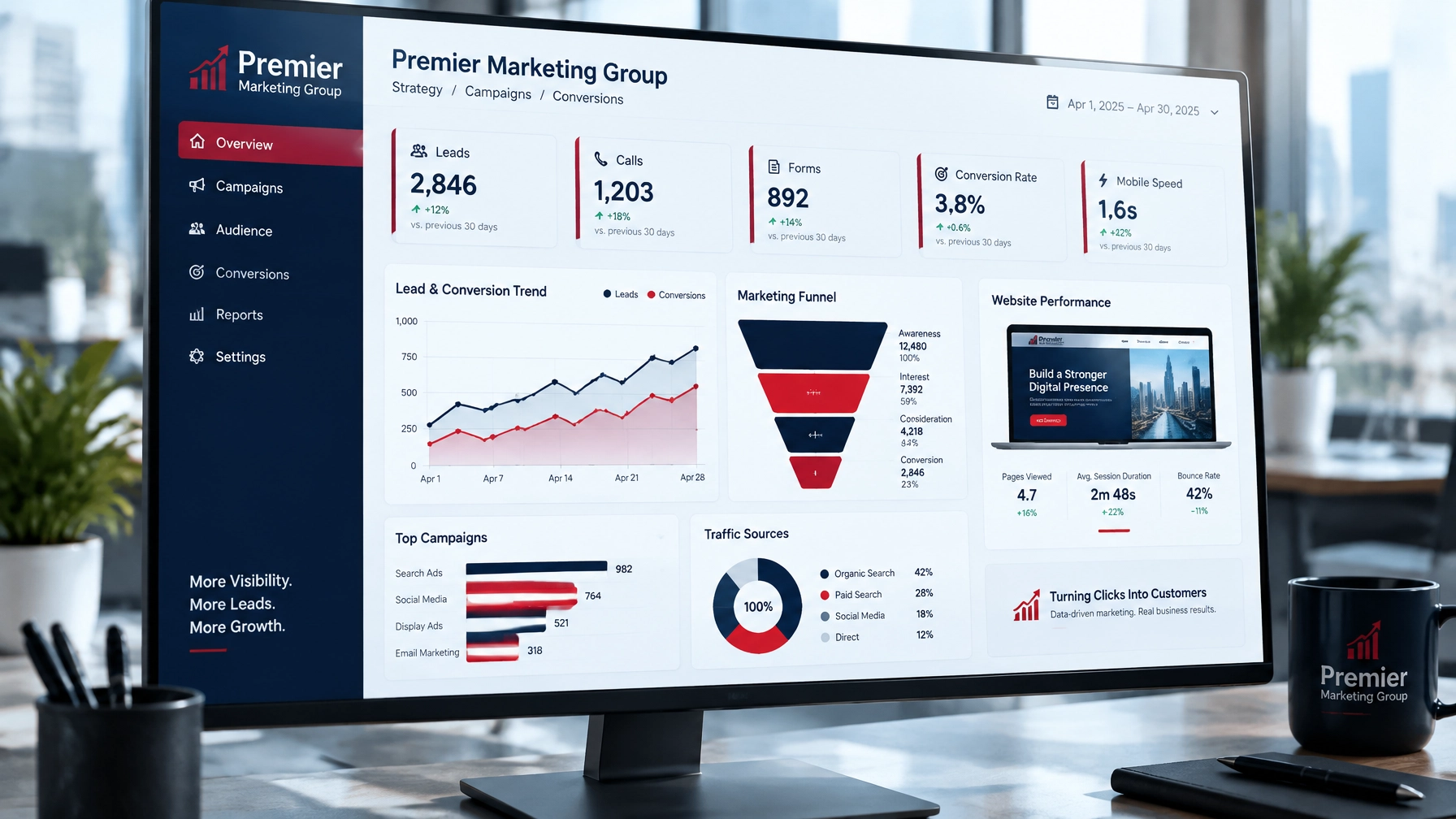
A visitor may arrive from SEO services, a paid campaign, direct mail, or a social post. Your measurement system should show which channels produce real business results.
Marketing automation can then support useful follow-up, such as appointment reminders, abandoned-cart emails, or timely responses to quote requests. The goal is not to automate relationships; it is to prevent good leads from being forgotten.
Your website needs a strong technical foundation as your business grows.
At a minimum, plan for:
A website is not finished when it launches. Customer expectations, search features, devices, regulations, and business goals continue to change.
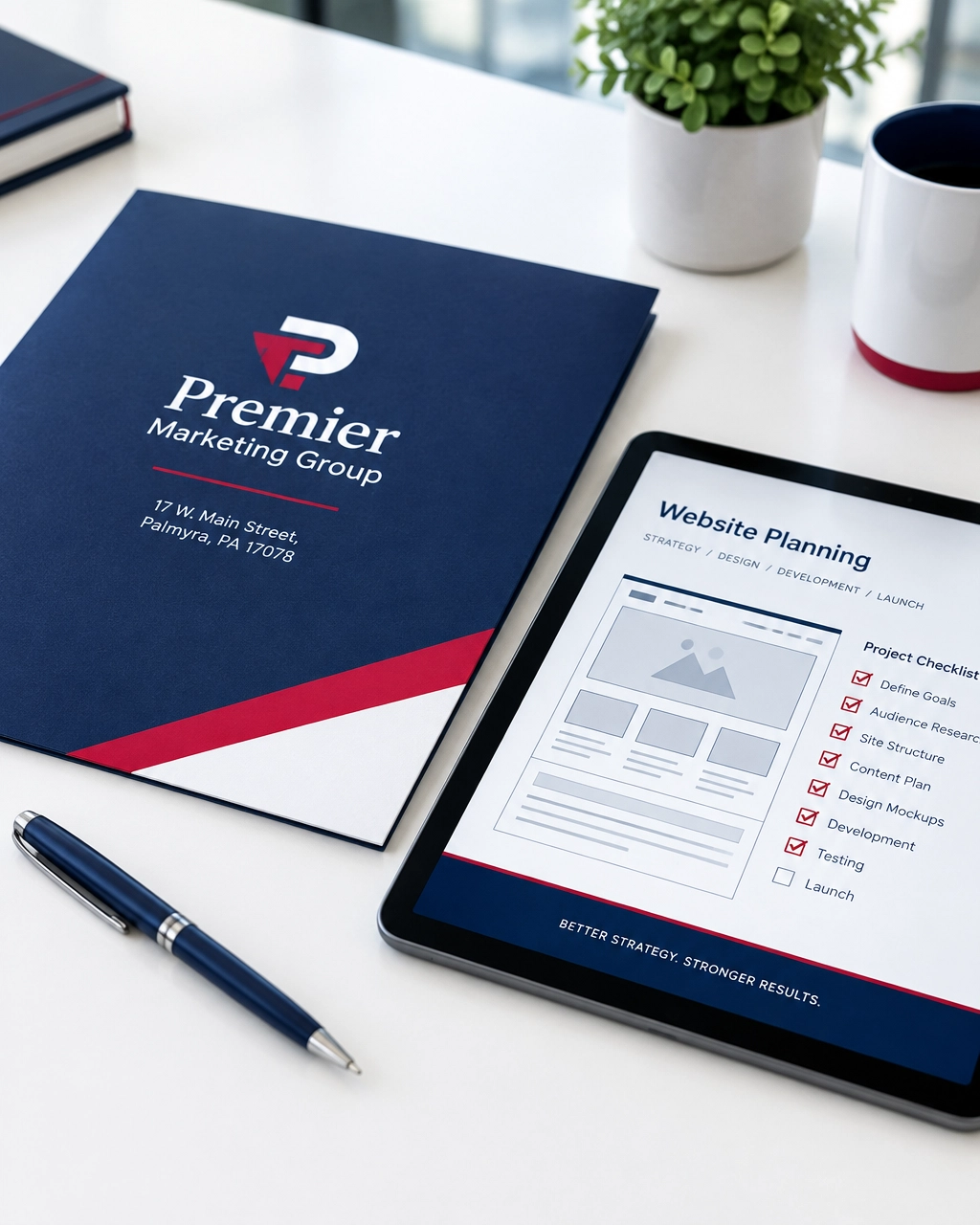
Your website should be flexible enough to add new services, publish educational content, launch promotions, support new integrations, and improve based on performance data.
There is no universal deadline, but many businesses should review their website every year and consider a larger redesign every three to five years. A redesign may be necessary sooner if the site is slow, difficult to update, not mobile-friendly, or no longer matches your services.
They can be purchased separately, but they work best together. Web design creates the structure and user experience. SEO improves visibility and attracts relevant visitors. Building both into the project from the beginning usually prevents expensive rework.
Not necessarily. You do not need a gimmick or a special “AI page.” You need fast, accessible, well-structured content with accurate business information. Those fundamentals help both people and AI-powered search systems.
Track actions that matter to your business: calls, forms, appointments, quote requests, purchases, and qualified leads. Traffic is useful, but conversion data tells you whether the website is contributing to growth.
That depends on your needs. A marketing consultant may help you prioritize strategy and investments. A full-service digital marketing agency can combine strategy with website design, SEO, paid advertising, branding, reputation management, and ongoing optimization.
The AI era does not eliminate the need for a strong website. It raises the standard.
Your website must load quickly, communicate clearly, build trust, support accessibility, guide visitors toward action, and provide reliable information that technology can understand. When those pieces work together, your site becomes more than a brochure. It becomes a measurable growth system.
Premier Marketing Group has helped businesses build practical marketing systems for more than a decade. If your website is bleeding visitors, creating missed opportunities, or failing to explain what makes your business different, now is the right time to improve it.
Contact Premier Marketing Group to discuss your next step and keep taking your business to the next level.
Meta description: Discover how web design services help PA businesses build faster, smarter websites that win customers, support AI search, and increase conversions in 2026.
If you own an HVAC company, dental practice, law firm, landscaping business, or ecommerce store, your 2026 marketing budget has to do two jobs: generate leads now and build visibility that keeps producing later.
For more than 10 years, Premier Marketing Group has helped small businesses turn search visibility into calls, appointments, and sales. As a trusted small business marketing agency, we have seen the same mistake repeatedly: businesses choose SEO or PPC as if they are competing investments. In reality, they work best as two parts of one growth system.
Think of SEO services as building an orchard. You prepare the soil, plant strategically, and maintain it consistently. The harvest takes time, but the asset can produce repeatedly.
PPC management is more like buying produce at the market. You can get results immediately, but you continue paying whenever you want more traffic.
Industry benchmarks show why both matter. Local SEO has been reported to produce a cost per lead 61% lower than traditional outbound marketing, while PPC often produces stronger short-term returns. One comparison found PPC delivered higher six-month ROI in 92% of cases, while SEO produced higher 24-month cumulative ROI in 78% of cases.
The bottom line: PPC buys speed. SEO builds equity.
For a deeper look at the fundamentals, review Premier’s guide to SEO vs. PPC for small business growth.
SEO becomes more valuable when you can commit to a 12- to 24-month growth horizon.
A local SEO strategy can include Google Business Profile optimization, technical improvements, service pages, reviews, local citations, internal links, and helpful content.
For example, a landscaping company serving the Lancaster area may create dedicated pages for hardscaping, lawn maintenance, drainage solutions, and seasonal cleanups. Each useful page creates another opportunity to match a customer’s specific need.
That is why SEO resembles a family under one roof: your website, reviews, business listings, and content should all communicate the same identity. When one part is inconsistent, the entire household feels less trustworthy.
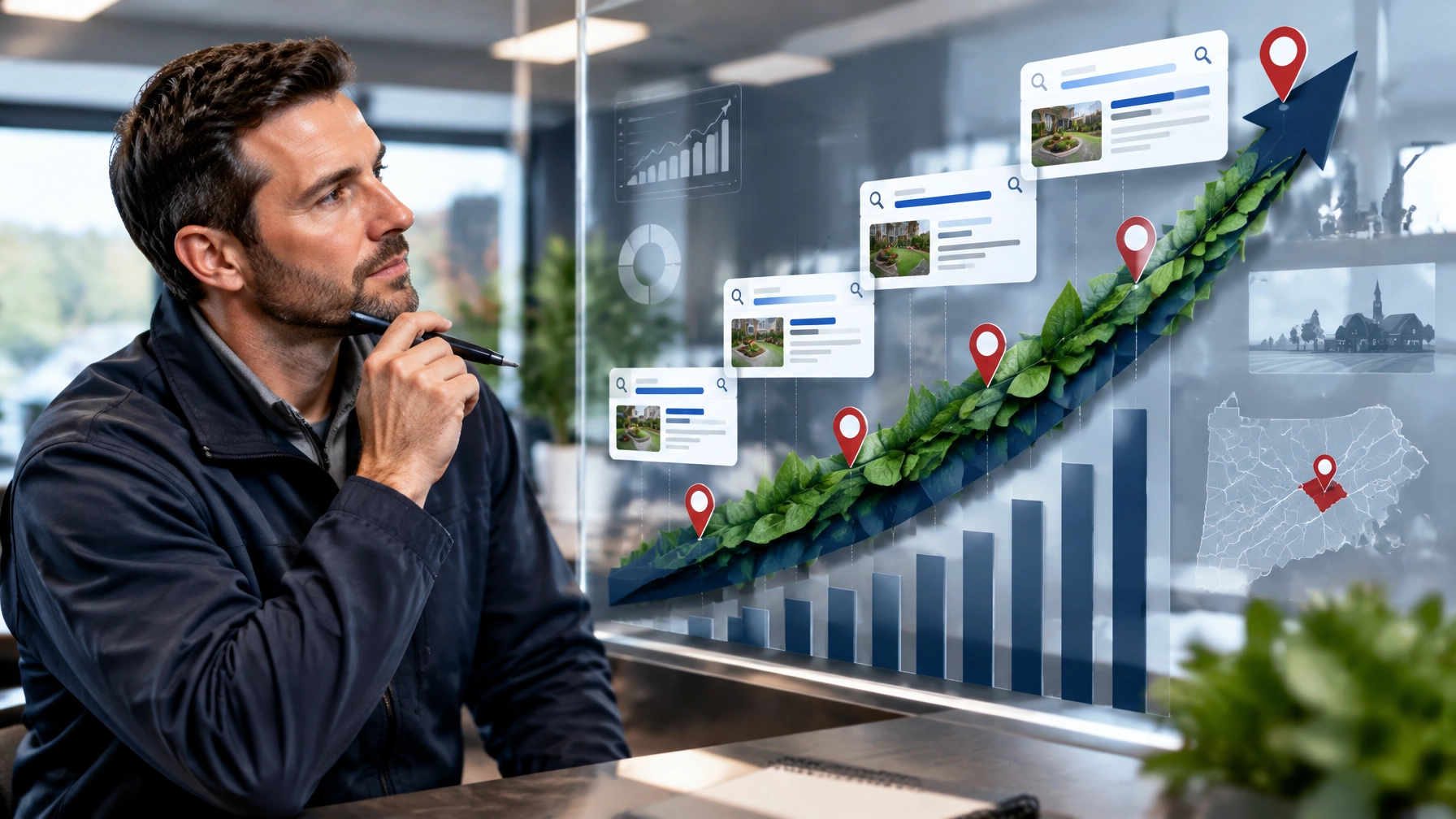
PPC management is the right lever when you need qualified traffic quickly.
A well-structured campaign can place your business in front of searchers looking for:
PPC is especially useful when you are:
However, paid traffic exposes weak systems quickly. If your landing page is slow, your phone is unanswered, or your offer is unclear, you may be bleeding visitors and paying for missed opportunities.
Mobile devices account for approximately 57% of local searches, and consumers often act quickly after finding a nearby provider. Your PPC landing pages must therefore load quickly, show the phone number clearly, and make the next step obvious.
Explore Premier’s pay-per-click advertising services for help connecting campaign settings to measurable outcomes.
The right split depends on your current visibility, sales cycle, competition, and available budget. The following percentages apply to your search-growth budget, excluding branding, direct mail, and other campaigns.
Use this mix during the first six months if you need calls quickly.
After six months, review lead quality and gradually move toward a 50/50 SEO-PPC split.
Established service companies usually have enough history to benefit from compounding organic work.
Dentists, lawyers, and accountants often have higher customer value and longer decision cycles.
Professional practices should focus on qualified consultations rather than cheap leads.
An ecommerce development company or ecommerce brand may need paid campaigns to generate product demand immediately.
As organic product traffic grows, you can shift toward 45% PPC and 45% SEO.
SEO and PPC should share information instead of operating in separate rooms.
Paid campaigns can reveal:
Those insights can guide your SEO content and service-page priorities.
Organic data can show:
Strong local SEO signals also improve the experience after someone clicks an ad. Accurate business details, recent reviews, relevant pages, and fast mobile performance can increase trust and conversion rates.
As Rob Gundermann, Marketing Consultant, puts it: “The goal is not simply to be seen. The goal is to make it easy for the right customer to trust you and take the next step.”
AI Overviews and conversational search are changing how customers discover businesses. Instead of browsing ten blue links, a prospect may ask an AI system to recommend three providers.
That does not eliminate SEO or PPC. It makes clear business evidence more important.
Google says there are no special technical requirements for appearing in AI features beyond being indexed and eligible for standard search. Your priorities should be to:
Websites currently lead many AI citation sources, which means your website remains the home base for both traditional SEO and generative search visibility. Read Google’s guidance on AI features in Search and Premier’s guide to GEO for local businesses.

Your budget may be underperforming if:
Fix these issues before increasing spend. More budget will not repair a broken conversion process.
Use this simple formula:
Cost per lead = Total channel cost ÷ qualified leads generated
For a more useful business metric, also calculate:
Cost per booked job = Total channel cost ÷ booked jobs
Suppose you spend $2,000 on PPC and receive 40 inquiries. Your initial cost per inquiry is $50. If only 10 are qualified and four become customers, your cost per qualified lead is $200 and your cost per customer is $500.
For SEO, calculate monthly investment against qualified organic leads. Then compare results over three, six, 12, and 24 months. SEO may look more expensive early because you are building the asset. Over time, the effective cost per lead can decline as visibility compounds.
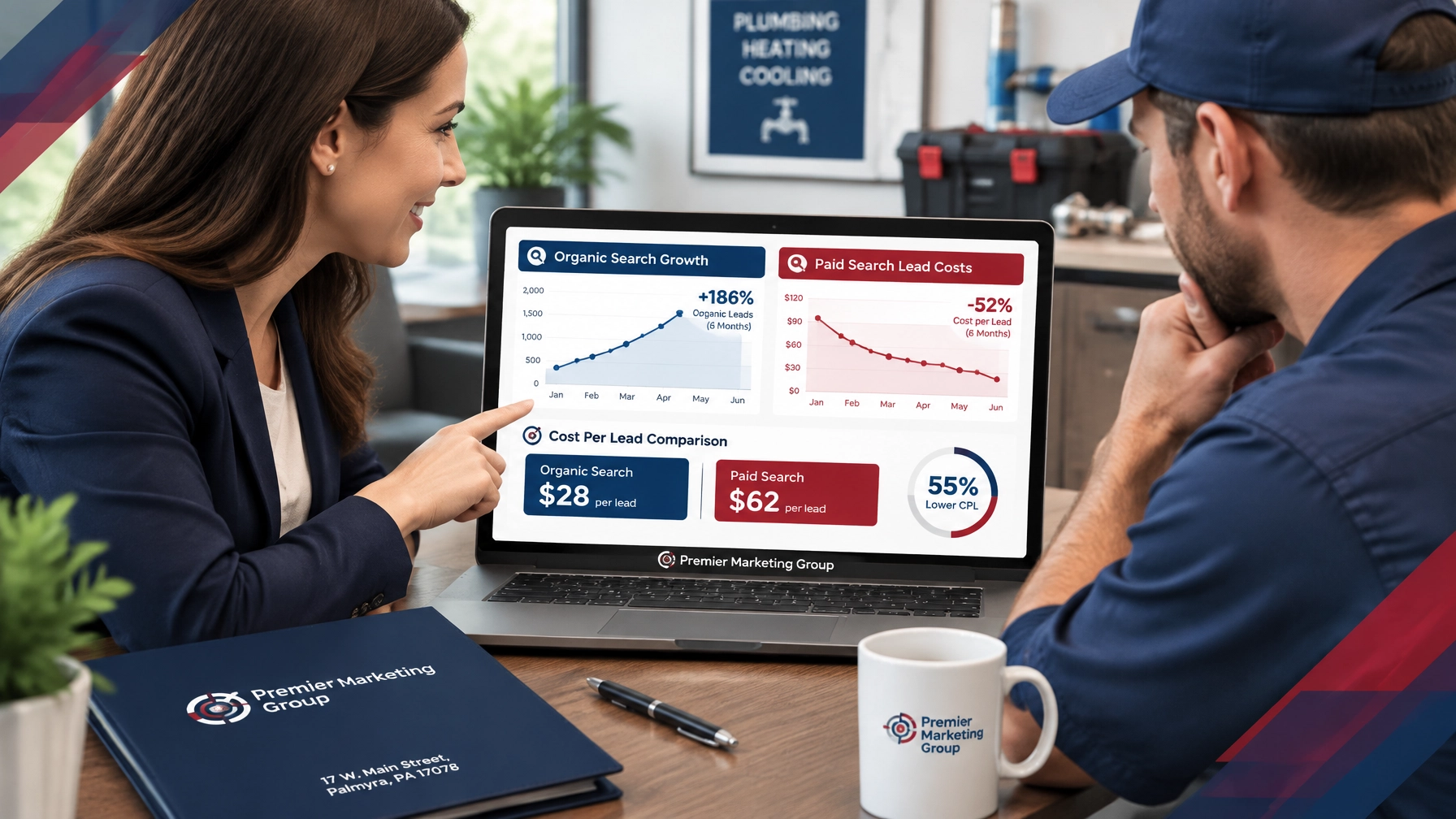
Most businesses should use both. Start with more PPC if you need immediate leads, then increase SEO investment as rankings, reviews, and organic conversions improve.
A realistic starting point is often $2,000 to $5,000 per month for combined search marketing, depending on market competition and customer value. A marketing consultant can help prioritize the highest-return services.
Some technical and listing improvements can produce early gains, but meaningful organic growth commonly takes three to six months, with stronger compounding results developing over 12 months or more.
PPC usually creates a recurring cost for every click. SEO requires ongoing investment in content, technical work, and authority, but its effective cost per lead may decrease as visibility grows.
Choose a digital marketing agency that connects work to calls, appointments, qualified leads, and revenue. Avoid reports that only celebrate impressions and clicks.
SEO and PPC are not opposing choices. They are different tools for different stages of growth.
Use PPC to capture demand today. Use SEO to reduce acquisition costs tomorrow. Then connect both channels through accurate local information, strong web design, reputation management, and conversion tracking.
Premier Marketing Group has helped businesses build measurable marketing systems for more than a decade. Whether you need local SEO services, PPC management, ecommerce support, or a complete growth plan, we can help you identify the next highest-impact step.
Schedule a marketing consultation with Premier Marketing Group and build a budget designed to produce more qualified leads, booked work, and long-term growth.
Meta description: Compare SEO services and PPC management for local growth in 2026. Get practical budget splits, AI-search guidance, CPL benchmarks, and a measurable plan.
{"@graph":[{"@type":"Article","image":["https://cdn.marblism.com/qz2h79mX4Ap.webp","https://premierdigitalmarketers.com/wp-content/uploads/2026/10/T8A-wIohHK.webp","https://premierdigitalmarketers.com/wp-content/uploads/2026/10/81PxQyP4AXk.webp","https://premierdigitalmarketers.com/wp-content/uploads/2026/10/p7LmloNtMI0.webp"],"author":{"url":"https://premierdigitalmarketers.com/","name":"Premier Marketing Group","@type":"Organization"},"headline":"SEO Services vs. PPC Management: How Local Businesses Should Split Their 2026 Marketing Budget","publisher":{"url":"https://premierdigitalmarketers.com/","logo":{"url":"https://premierdigitalmarketers.com/wp-content/uploads/2020/11/Premier-Marketing-Group.svg","@type":"ImageObject"},"name":"Premier Marketing Group","@type":"Organization"},"description":"Compare SEO services and PPC management for local growth in 2026. Get practical budget splits, AI-search guidance, CPL benchmarks, and a measurable plan.","dateModified":"2026-10-01","datePublished":"2026-10-01","mainEntityOfPage":{"@id":"https://premierdigitalmarketers.com/","@type":"WebPage"}},{"@type":"FAQPage","mainEntity":[{"name":"Should a small business choose SEO services or PPC management?","@type":"Question","acceptedAnswer":{"text":"Most businesses should use both. Start with more PPC if you need immediate leads, then increase SEO investment as rankings, reviews, and organic conversions improve.","@type":"Answer"}},{"name":"How much should a local business spend each month?","@type":"Question","acceptedAnswer":{"text":"A realistic starting point is often $2,000 to $5,000 per month for combined search marketing, depending on market competition and customer value.","@type":"Answer"}},{"name":"How long does SEO take to work?","@type":"Question","acceptedAnswer":{"text":"Some technical and listing improvements can produce early gains, but meaningful organic growth commonly takes three to six months, with stronger compounding results developing over 12 months or more.","@type":"Answer"}},{"name":"Is PPC more expensive than SEO?","@type":"Question","acceptedAnswer":{"text":"PPC usually creates a recurring cost for every click. SEO requires ongoing investment in content, technical work, and authority, but its effective cost per lead may decrease as visibility grows.","@type":"Answer"}},{"name":"What should I look for in a digital marketing agency?","@type":"Question","acceptedAnswer":{"text":"Choose a digital marketing agency that connects work to calls, appointments, qualified leads, and revenue. Avoid reports that only celebrate impressions and clicks.","@type":"Answer"}}]}],"@context":"https://schema.org"}
A new lead is not a customer yet. It is an open door, and the way you respond after that door opens can determine whether the prospect becomes a loyal customer or chooses a competitor.
For a Harrisburg-area HVAC company, dentist, lawyer, accountant, ecommerce brand, or other service business, the complete follow-up funnel now matters as much as lead generation itself. Marketing automation and AI agents can help you respond, qualify, book, nurture, and reactivate leads without forcing your team to manage every step manually.
I’m Rob Gundermann, and I have spent more than 15 years helping small businesses improve their marketing, websites, visibility, and customer acquisition systems. At Premier Marketing Group, our mission is to turn marketing activity into measurable business growth.
Many businesses invest heavily in SEO, paid advertising, social media, and professional web design. But the lead can still be lost after submitting a form or calling your office.
Why? The follow-up process is often manual:
That process creates a leaky bucket. You can pour more visitors into the top, but the bottom continues losing opportunities.
A 2026 study of 28,400 leads across 184 accounts found that leads contacted within five minutes qualified at roughly 21 times the rate of leads contacted after more than 24 hours. Only 27.2% of leads in the study received a response within one hour, while the median response time was 1 hour and 42 minutes. Read the full 2026 lead response time study.
These are not guarantees for every industry, but they reveal an important pattern: delay creates friction, and friction creates missed opportunities.
AI agents and marketing automation work best together, but they are not the same thing.
Marketing automation is the system of triggers, rules, messages, reminders, and handoffs that moves a lead through your funnel.
For example:
An AI agent can interpret what a prospect is saying and respond within approved guidelines. It can ask follow-up questions, summarize a conversation, identify intent, and recommend the next step.
Think of marketing automation as the road system and the AI agent as a capable guide. The roads create the route. The guide helps each traveler move in the right direction.
A strong system combines both:
The first step is speed-to-lead.
An AI agent can acknowledge a website inquiry, text message, or missed call within seconds. That first response does not need to solve the entire problem. It needs to confirm that the inquiry was received and provide a clear next step.
A useful first message might:
This creates a digital handshake. The prospect knows your business is available and organized.
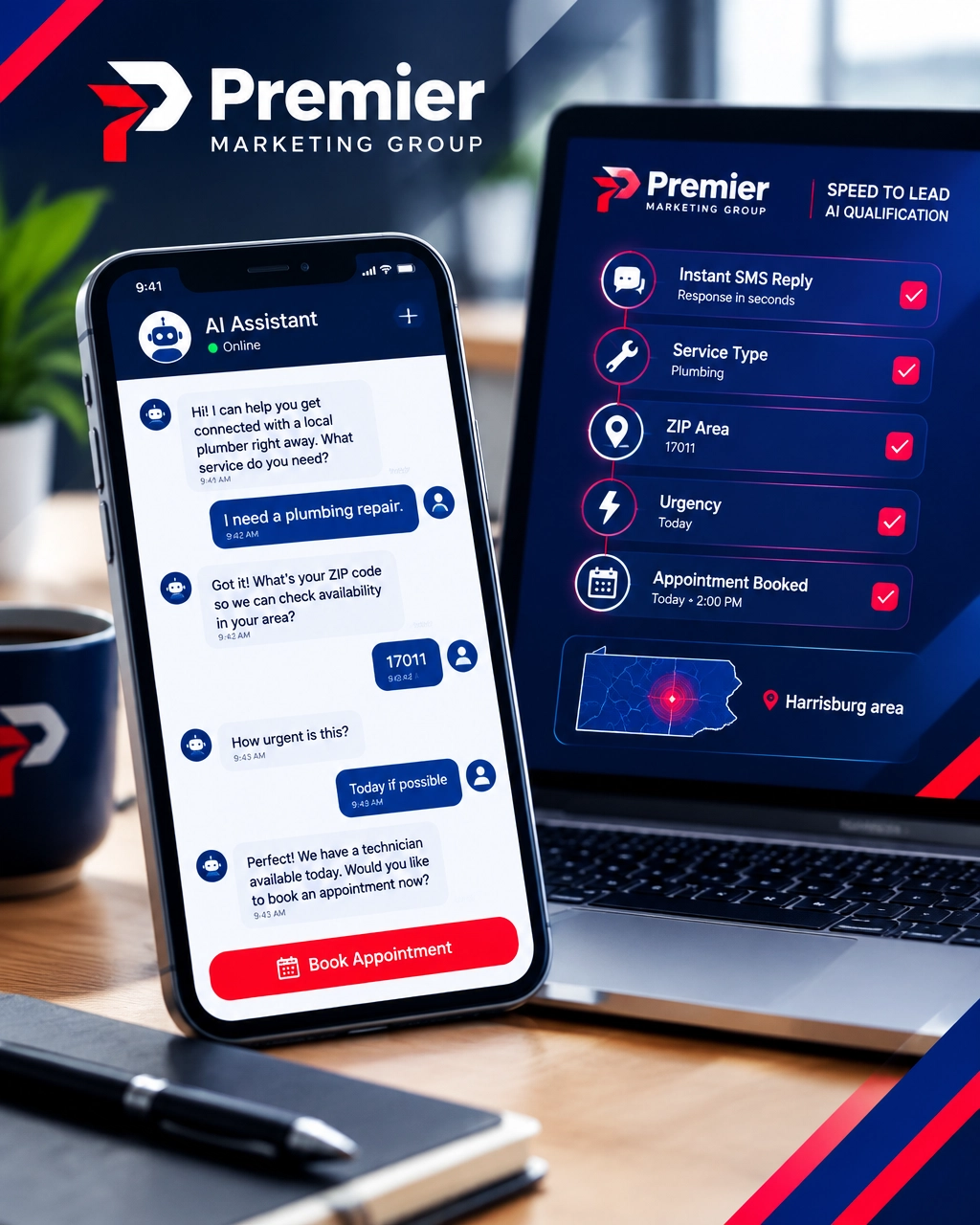
Start by automating:
Do not confuse an instant automated message with complete follow-up. A generic “Thanks, we’ll be in touch” message is helpful, but it should lead into the next stage: qualification.
Not every lead needs the same response.
A homeowner with a burst pipe requires a different workflow than someone researching routine plumbing maintenance. A dental patient asking about availability needs a different path than someone asking about financing. An ecommerce shopper comparing products may need product education before a purchase offer.
An AI agent can ask approved questions such as:
The goal is not to interrogate the prospect. The goal is to collect enough context for the next conversation to be useful.
You can route leads into simple categories:
This protects your team from spending equal time on every inquiry. High-intent leads receive immediate attention, while lower-intent prospects continue through a helpful nurture sequence.
Once a lead is qualified, the next step should be easy to understand.
A common problem is unnecessary scheduling back-and-forth:
Marketing automation can reduce this friction by connecting qualified leads to:
For a professional service practice in the Hershey area, this could mean guiding a new inquiry toward the correct consultation type. For a home service company, it could mean separating emergency requests from routine estimates.
Booking is not the end of the funnel. A scheduled appointment that does not happen creates another missed opportunity.
Use automation to send:
Research summarized in a 2026 guide to AI sales funnel automation emphasizes that booking and reminder workflows are among the most valuable uses of AI-assisted automation.
Many prospects do not say “no.” They say:
Without a nurture system, these leads disappear.
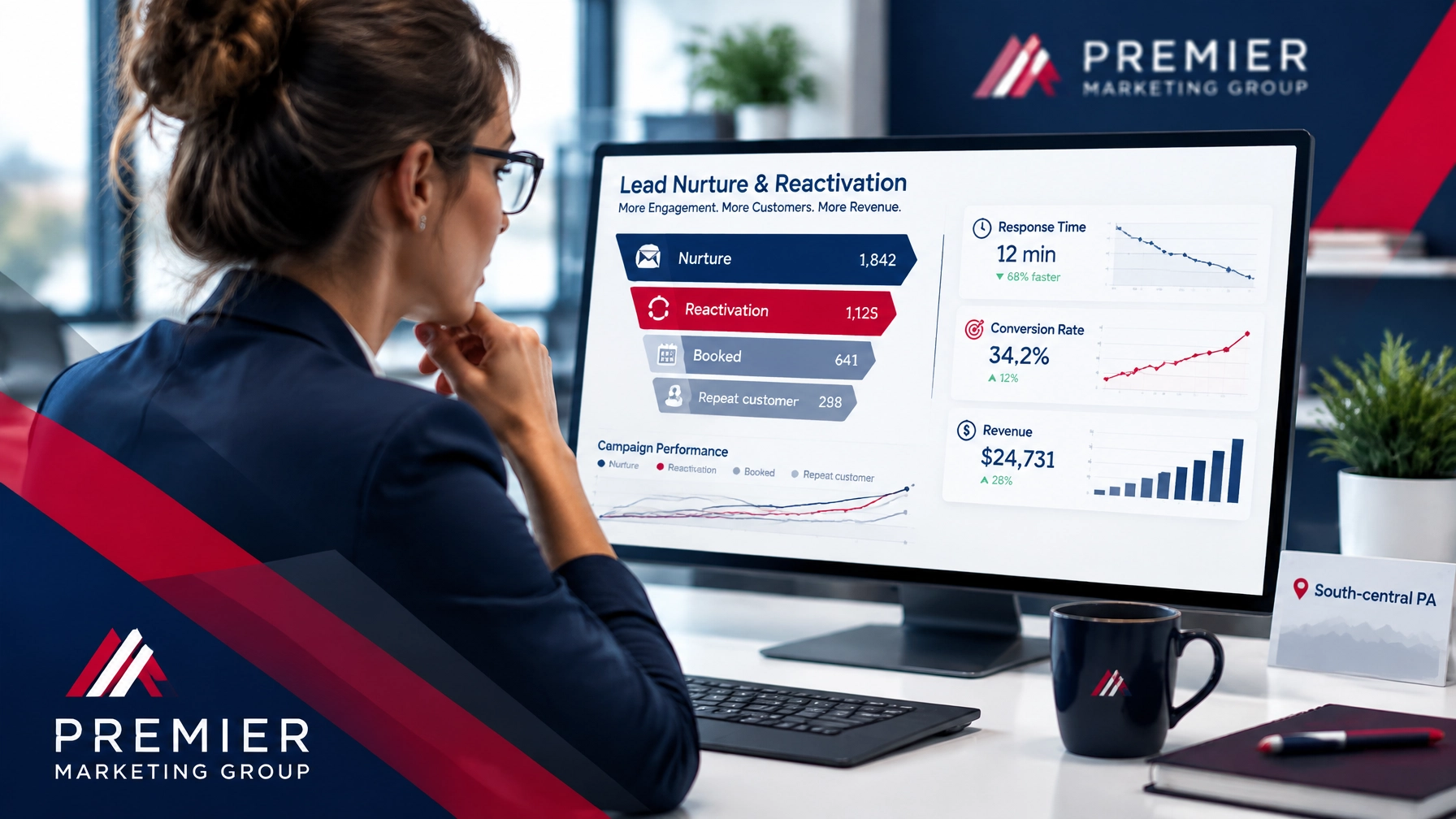
A nurture workflow keeps the conversation useful without becoming annoying. You can send:
The best nurture campaigns respond to behavior. If someone returns to a pricing page, downloads a guide, or clicks a service email, the system can increase their priority or notify your team.
A fixed drip campaign talks at people. Behavioral automation responds to what they actually do.
Your SEO services and PPC advertising may attract the visitor, but nurture automation helps keep the relationship moving.
One of the most overlooked revenue sources is the audience you already paid to acquire.
Look for:
Create separate reactivation campaigns for each group. A missed-call message should not sound like a holiday promotion. An old estimate may need a project update. A past customer may need a seasonal reminder.
AI can help summarize past conversations and recommend which message is most appropriate. Marketing automation can then deliver that message at the right time and track the result.
Reported local-business benchmarks indicate that missed-call and web-inquiry recovery campaigns can produce a 27% increase in booked appointments within 90 days, although your actual result will depend on lead volume, offer, industry, and execution.
Automation cannot rescue a confusing customer journey.
Your digital foundation should include:
Your custom website design should make it obvious what visitors should do next. Your local SEO strategy should help qualified prospects find you. Your reputation marketing should reinforce trust after they compare your business with competitors.
The website is the front door. Marketing automation is the staff member who makes sure visitors are welcomed, helped, and invited to return.
Do not judge automation by the number of messages sent. Judge it by the business results created.
Track:
For example, if you receive 100 leads and currently close 15, improving the close rate to 18 produces a 20% increase in customers without generating another lead.
That is why improving follow-up can be more cost-effective than immediately increasing your advertising budget.
You do not need to automate your entire business in one week.
Review the previous 30 days and identify whether you lose more opportunities through slow responses, missed calls, weak qualification, no-shows, or forgotten follow-up.
Begin with one measurable use case, such as:
AI agents should never invent prices, promise unavailable appointment times, provide legal or medical advice, or make claims your business cannot support.
Make it easy for a prospect to reach a person. Your AI agent should support your team, not trap customers in an endless loop.
Study conversations, incorrect classifications, abandoned bookings, and unanswered questions. Marketing automation is a system that improves through testing, not a “set it and forget it” shortcut.
No. Small businesses often benefit quickly because owners and employees cannot monitor every call, form, and message. A focused workflow can improve responsiveness without requiring a large internal team.
A basic chatbot usually responds to a limited set of scripted questions. An AI agent can interpret context, ask follow-up questions, summarize information, route leads, and trigger actions within an approved workflow.
Aim for an automated acknowledgment within seconds and a human response within five minutes whenever possible. The 2026 lead-response study cited earlier found a significant qualification advantage for leads contacted within that window.
Yes, but you should obtain appropriate permission, respect communication preferences, and follow applicable privacy and messaging requirements. Use text for timely, useful communication, not excessive promotional messages.
Cost depends on your lead volume, number of channels, CRM, calendar tools, AI complexity, and management needs. Start by estimating the value of missed calls, unbooked appointments, and dormant leads. That gives you a more useful investment benchmark than comparing software prices alone.
In 2026, the competitive advantage is not simply generating more leads. It is building a better path from first inquiry to qualified conversation, booked appointment, completed sale, repeat business, and loyal customer.
AI agents can provide speed and context. Marketing automation can provide consistency. Your team provides the expertise and personal trust that customers still value most.
Premier Marketing Group has helped businesses build practical, measurable marketing systems for more than 15 years. If leads are slipping through slow responses, weak qualification, or inconsistent follow-up, schedule a free discovery and strategy call.
Take your business to the next level by improving the opportunities you are already earning: one faster response, one better conversation, and one stronger customer relationship at a time.
Meta description: Marketing automation and AI agents help local businesses respond faster, qualify leads, book more jobs, nurture prospects, and win loyal customers in 2026.
{"@type":"FAQPage","@context":"https://schema.org","mainEntity":[{"name":"Is marketing automation only for large businesses?","@type":"Question","acceptedAnswer":{"text":"No. Small businesses often benefit quickly because owners and employees cannot monitor every call, form, and message. A focused workflow can improve responsiveness without requiring a large internal team.","@type":"Answer"}},{"name":"What is the difference between an AI agent and a chatbot?","@type":"Question","acceptedAnswer":{"text":"A basic chatbot usually responds to a limited set of scripted questions. An AI agent can interpret context, ask follow-up questions, summarize information, route leads, and trigger actions within an approved workflow.","@type":"Answer"}},{"name":"How quickly should a business respond to a new lead?","@type":"Question","acceptedAnswer":{"text":"Aim for an automated acknowledgment within seconds and a human response within five minutes whenever possible. Research cited in this article found a significant qualification advantage for leads contacted within that window.","@type":"Answer"}},{"name":"Can automation follow up by text message?","@type":"Question","acceptedAnswer":{"text":"Yes, but businesses should obtain appropriate permission, respect communication preferences, and follow applicable privacy and messaging requirements. Text should be used for timely, useful communication.","@type":"Answer"}},{"name":"How much does marketing automation cost?","@type":"Question","acceptedAnswer":{"text":"Cost depends on lead volume, channels, CRM, calendar tools, AI complexity, and management needs. Businesses should estimate the value of missed calls, unbooked appointments, and dormant leads before setting an automation budget.","@type":"Answer"}}]}
Your reputation is no longer just a reflection of past customer experiences. In 2026, it is a local search ranking signal, conversion tool, and source of visibility in AI recommendations.
When a homeowner compares HVAC companies in Lancaster, the business with more recent reviews, complete information, and thoughtful responses often earns the first click, and sometimes the phone call. The same principle applies to dentists, lawyers, accountants, roofers, landscapers, and other local professionals.
For more than 15 years, Premier Marketing Group has helped small business owners turn online visibility into measurable growth. Our mission is to make your business easier to find, easier to trust, and easier to contact.
Local SEO is not simply about adding a city name to your website. Search engines evaluate how relevant, trustworthy, and prominent your business appears across the web.
Reviews help provide that proof.
BrightLocal’s 2026 research found that:
These numbers show why reputation management for businesses should not sit on the sidelines of your marketing plan. It belongs beside your local SEO services, website strategy, and lead follow-up process.
Think of your online presence as a family under one roof. Your website, Google Business Profile, review platforms, directories, and social profiles should all introduce the same business, services, location, and values.
When those signals conflict, trust weakens. When they align, customers feel more confident taking the next step.
A business with three reviews may be excellent. However, customers often use review volume as a quick way to judge how established and active a company is.
BrightLocal reports that the top factors consumers consider when deciding which business to contact include:
This does not mean you should chase reviews blindly. It means you need a steady flow of genuine customer experiences that confirms your business can deliver.
Set a practical target based on your industry and competition. Then track progress monthly instead of waiting until your profile looks outdated.
A five-star review from four years ago is helpful, but it may not answer the customer’s most immediate question:
“Is this business still providing good service today?”
Recent reviews create confidence because they show current performance. They can also reinforce your services naturally. For example, a customer might mention prompt furnace repair, a clear dental consultation, or professional roof installation.
The goal is not to manufacture perfect language. The goal is to consistently deliver an experience customers want to describe.
Responding to reviews is one of the simplest ways to show that your business is paying attention.
For positive reviews, thank the customer and reference the specific service they mentioned. For negative reviews, remain calm, acknowledge the concern, and invite the customer to continue the conversation privately when appropriate.
Avoid copying the same response to everyone. Repetitive replies can feel automated and impersonal.
As Rob Gundermann, Premier Marketing Group’s Marketing Consultant, often says, “Do not make customers work to understand what you do.” That applies to your review responses, too. Keep them clear, helpful, and human.
For a deeper look at the process, explore Premier’s reputation marketing services.
A strong reputation should not depend on remembering to ask customers for reviews once every few months. You need a repeatable system that fits naturally into your operations.
Ask for feedback after a clear success point, such as:
The request should come when the customer has a specific experience to remember.
Send a direct link to your preferred review profile by email or text. Do not make customers search for your business or navigate through several pages.
Your message can be as simple as:
“Thank you for choosing us. If you were happy with your experience, would you take a minute to share your feedback?”
Never offer incentives in exchange for positive reviews. Do not ask customers to include specific keywords. Authenticity matters for both compliance and long-term trust.
A single reminder can help customers who intended to leave feedback but became busy. Marketing automation can schedule the reminder, notify your team when a review arrives, and keep the process consistent.
Automation should support your team, not replace personal service.
Reviews are also an operations dashboard. Look for patterns involving:
If several customers mention the same issue, reputation management has uncovered a business improvement opportunity.
Your Google Business Profile may earn the click, but your website often earns the conversion.
A visitor who sees strong reviews may still leave if your website is slow, confusing, or difficult to use. Your custom website design services should make trust easy to find.
Place relevant testimonials near:
Use real customer feedback with permission. Include context when possible, such as the service provided or the customer’s general area.
Check that your website and profiles agree on:
A complete profile matters because customers may compare information across multiple channels. BrightLocal found that 75% of consumers use more than one channel during a local business search.
This is where professional web design services and SEO services work together. Your site should look credible, communicate clearly, and help search engines understand your business.
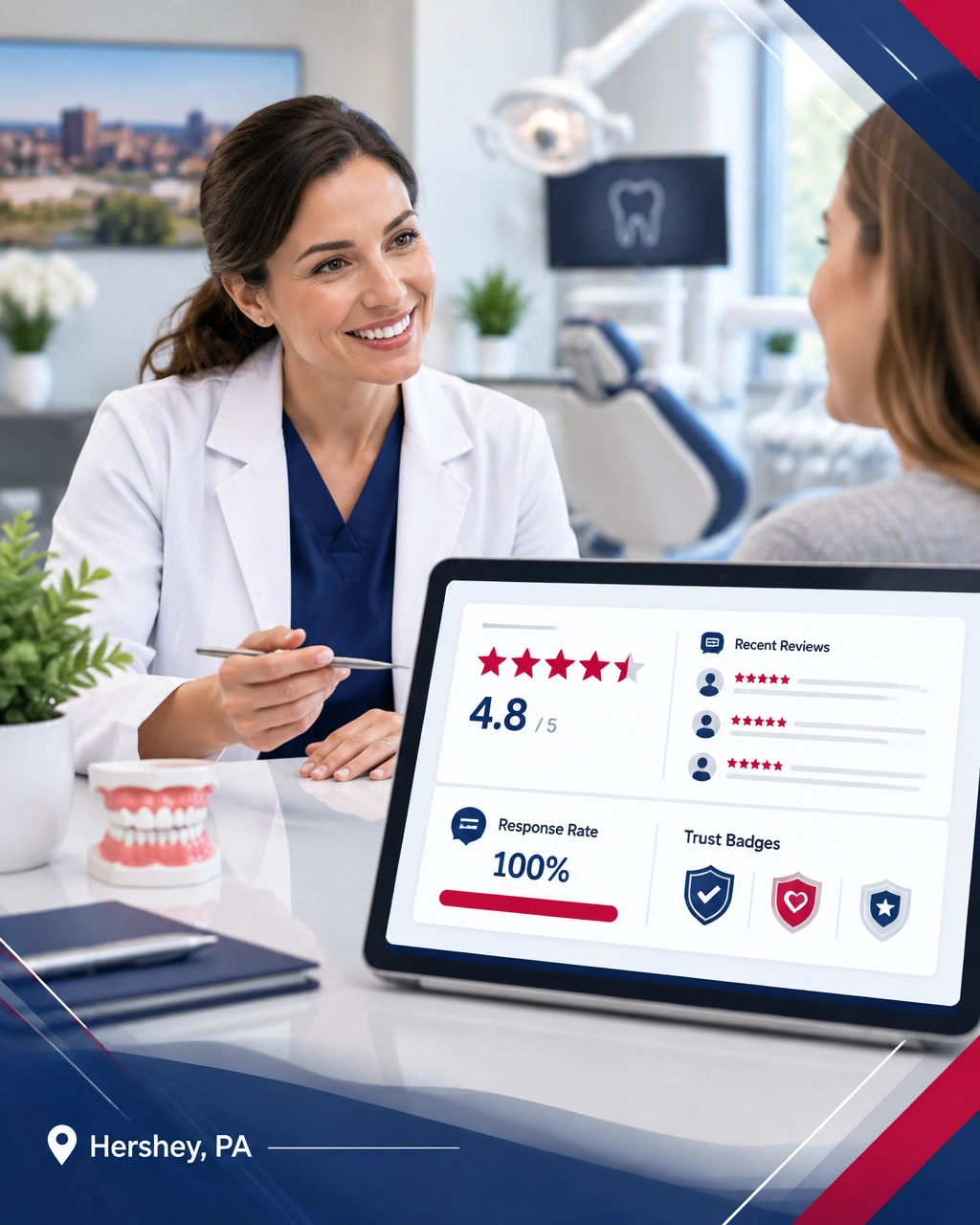
Customers are increasingly asking AI tools for business recommendations. BrightLocal’s 2026 research found that 45% of consumers use ChatGPT or other generative AI tools for local business recommendations.
That creates a new layer of visibility: Generative Engine Optimization, or GEO.
AI systems may evaluate your:
No ethical digital marketing agency can guarantee that an AI platform will recommend your company. However, you can improve your chances by making your business easy to verify.
That means clearly explaining what you do, where you operate, who you serve, and why customers trust you.
Read Premier’s resource on GEO and AI citations for more guidance on becoming easier for AI systems to understand and reference.
Do not measure reputation only by your average star rating. Review the full picture each month.
Track:
You can also test how your business appears in AI tools. Ask realistic questions such as:
Record which businesses appear, what sources are cited, and whether the information is accurate. Then improve the pages, listings, and review process that support your visibility.
A small business marketing agency can help connect these metrics to your larger plan, including PPC management, SEO, marketing automation, and AI marketing.
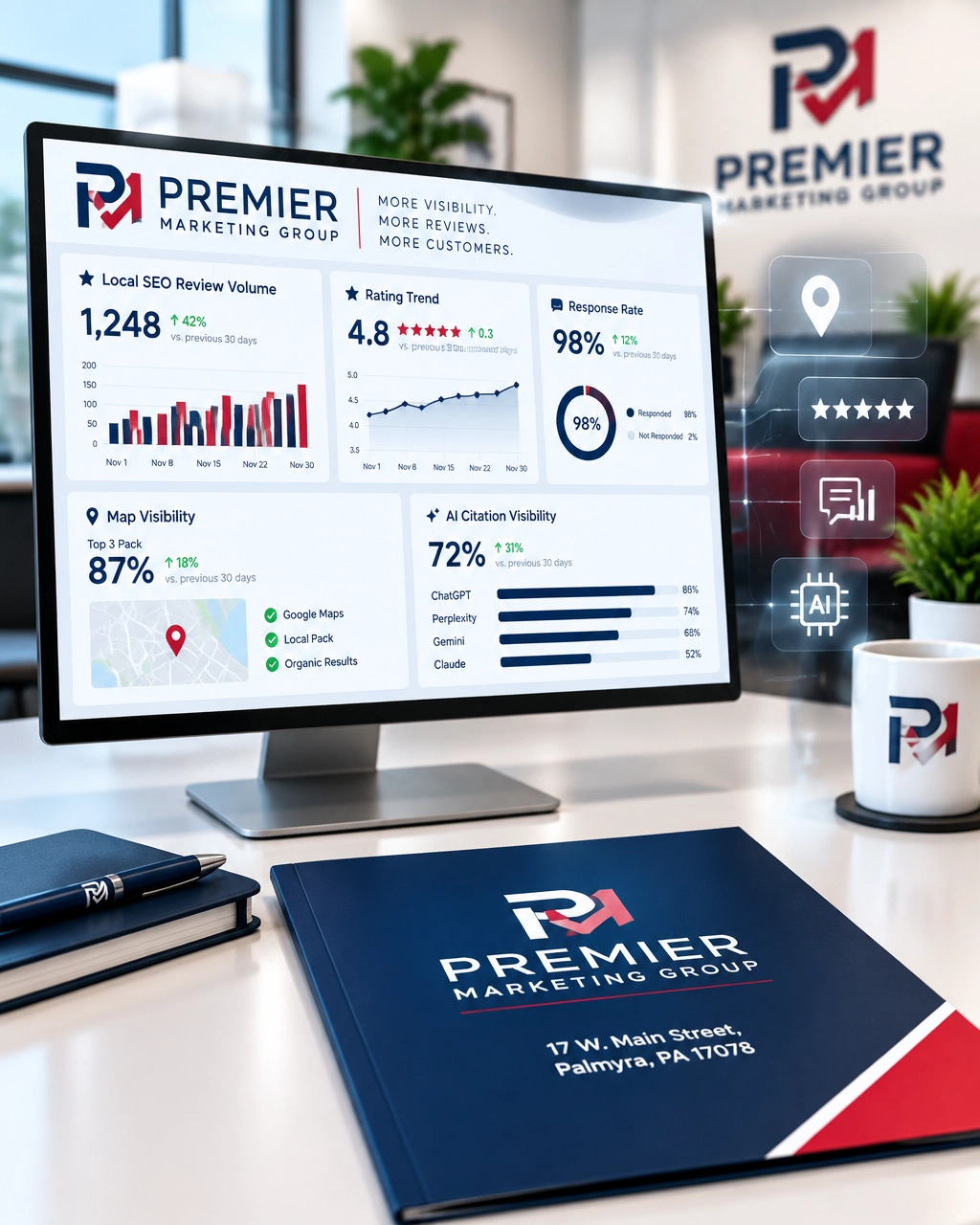
There is no universal number. Your target depends on your industry, competitors, and market size. Focus on earning genuine reviews consistently and keeping recent feedback visible.
No. Reviews are important, but they work alongside complete business information, relevant service pages, strong website performance, accurate listings, and customer engagement.
Yes. Respond professionally, acknowledge the concern, and avoid arguing publicly. If the issue involves private customer information, invite the customer to contact your team directly.
It can support AI visibility because reviews and consistent business information help AI systems evaluate relevance and trust. GEO is not a guaranteed shortcut, but clear and verifiable information gives your business a stronger foundation.
If your team lacks time, consistency, or reporting, outside support can help. Look for a digital marketing agency that connects reputation work to calls, appointments, sales, and measurable growth, not just star ratings.
Your online reputation is now part of your storefront. It can influence whether customers click, call, schedule, visit, or move on to a competitor.
For businesses across south-central Pennsylvania, the tipping point is building a process that keeps trust signals fresh and connected. Strong reviews, accurate listings, helpful web design, local SEO services, PPC management, marketing automation, and GEO should work together, not as isolated tasks.
Premier Marketing Group has helped businesses grow for more than a decade. We can help you turn customer experiences into stronger visibility, better trust, and more measurable results.
Contact Premier Marketing Group to start your next-level marketing plan.
Meta description: Learn how reputation management for businesses builds reviews, trust signals, SEO visibility, and AI recommendations that turn searches into customers in 2026.
{"@graph":[{"@type":"Article","image":["https://cdn.marblism.com/GdMacEzzc_e.webp","https://premierdigitalmarketers.com/wp-content/uploads/2026/09/HoAieTvKqnz.webp","https://premierdigitalmarketers.com/wp-content/uploads/2026/09/gL9v1lejUn1.webp"],"author":{"url":"https://premierdigitalmarketers.com/","name":"Premier Marketing Group","@type":"Organization"},"headline":"Reputation Management for Local SEO: How Reviews and Trust Signals Win Customers in 2026","publisher":{"url":"https://premierdigitalmarketers.com/","logo":{"url":"https://premierdigitalmarketers.com/wp-content/uploads/2020/11/Premier-Marketing-Group.svg","@type":"ImageObject"},"name":"Premier Marketing Group","@type":"Organization"},"inLanguage":"en-US","description":"Learn how reputation management for businesses builds reviews, trust signals, SEO visibility, and AI recommendations that turn searches into customers in 2026.","dateModified":"2026-09-24","datePublished":"2026-09-24","mainEntityOfPage":"https://premierdigitalmarketers.com/"},{"@type":"FAQPage","mainEntity":[{"name":"How many reviews does a local business need?","@type":"Question","acceptedAnswer":{"text":"There is no universal number. Your target depends on your industry, competitors, and market size. Focus on earning genuine reviews consistently and keeping recent feedback visible.","@type":"Answer"}},{"name":"Are positive reviews enough for local SEO?","@type":"Question","acceptedAnswer":{"text":"No. Reviews are important, but they work alongside complete business information, relevant service pages, strong website performance, accurate listings, and customer engagement.","@type":"Answer"}},{"name":"Should I respond to negative reviews?","@type":"Question","acceptedAnswer":{"text":"Yes. Respond professionally, acknowledge the concern, and avoid arguing publicly. If the issue involves private customer information, invite the customer to contact your team directly.","@type":"Answer"}},{"name":"Can reputation management improve AI visibility?","@type":"Question","acceptedAnswer":{"text":"It can support AI visibility because reviews and consistent business information help AI systems evaluate relevance and trust. GEO is not a guaranteed shortcut, but clear and verifiable information gives your business a stronger foundation.","@type":"Answer"}},{"name":"Should I hire a digital marketing agency for reputation management?","@type":"Question","acceptedAnswer":{"text":"If your team lacks time, consistency, or reporting, outside support can help. Look for a digital marketing agency that connects reputation work to calls, appointments, sales, and measurable growth—not just star ratings.","@type":"Answer"}}]}],"@context":"https://schema.org"}
If you own a local business, being visible in search now means more than appearing in a traditional Google result. Customers increasingly ask AI tools questions such as, “Who is the best HVAC company near Harrisburg?” or “Which family dentist should I call?”
The answer may name only one or two businesses instead of showing the familiar three-pack. That creates a new tipping point: your business must be easy for AI systems to understand, verify, and recommend.
Premier Marketing Group has helped small businesses improve their marketing for more than 10 years. Our mission is to help home-service companies, professionals, and ecommerce brands turn search visibility into measurable calls, appointments, leads, and sales.
Traditional local search commonly presents a map pack or a list of several organic results. AI answers work differently. They summarize information into a conversational response and may select only one or two businesses as examples or recommendations.
That does not mean AI systems use a single “GEO ranking formula.” ChatGPT, Google AI Overviews, Gemini, Perplexity, and other tools use different systems, data sources, retrieval methods, and response formats. Results can also change based on the wording of the question, the searcher’s location, and the time of day.
However, the pattern is clear: AI needs strong evidence before it confidently names a local business.
Google explains that AI Overviews and AI Mode may use a “query fan-out” process, running several related searches across different sources before generating an answer. Google also says there are no special technical requirements for appearing in AI features beyond being indexed and eligible for regular search.
That means GEO is not an AI ranking hack. It is the process of making your business information clearer and more trustworthy across the web.
Start with the basics. Your business name, address, phone number, website, hours, service area, and primary category should be accurate everywhere.
Check:
Even small inconsistencies can create uncertainty. For example, if one directory lists an old phone number and another uses a different business name, an AI system may have a harder time determining which information is reliable.
Think of your business data as a digital handshake. Every platform should communicate the same identity.
AI tools need clear answers they can understand and summarize. A vague page titled “Our Services” is less helpful than a dedicated page that explains one service in plain English.
For each important service page, answer these questions near the beginning:
An HVAC company should explain furnace repair, maintenance, emergency service, and replacement separately. A law firm should distinguish practice areas instead of placing every service on one page. A dental practice should clearly explain new-patient appointments, emergency visits, insurance, and procedures.
Put the answer before the sales pitch. Customers and AI systems should not have to dig through five paragraphs to find out whether you serve their area.
For help improving your website structure, explore Premier Marketing Group’s custom website design services.
Reviews are not only about star ratings. The words customers use can help reinforce your services, location, and strengths.
BrightLocal’s 2025 research found that 71% of consumers read online reviews regularly, while 83% use Google to find local business reviews. The research also shows that many consumers check more than one review source before making a decision.
A review that says, “The electrician arrived on time, explained our panel upgrade, and completed the work at our Harrisburg home,” provides much more context than “Great company.”
Build a review process that helps customers describe:
Never write fake reviews or pressure customers to use specific language. Instead, ask for honest feedback shortly after a completed job or appointment. Then respond to every review. BrightLocal reports that 89% of consumers expect businesses to respond to both positive and negative reviews.
Our guide to reputation management for businesses explains how to make this process consistent.

A citation is a public mention of your business information. It may appear in a directory, local publication, professional association profile, community organization page, or industry website.
The goal is not to place your business in every directory available. The goal is to appear accurately in sources that make sense for your market.
Prioritize:
Quality and consistency matter more than directory volume. A clean profile on 10 credible platforms is more useful than hundreds of low-quality listings with outdated information.
If your citation information needs work, review Premier’s resource on directory listings for SEO.
AI systems cannot reliably understand information they cannot access. Important business facts should appear as visible, crawlable text on your website.
Check whether your key information is:
Google specifically recommends allowing crawling, using internal links, making important content available in text, and ensuring structured data matches visible content.
You do not need to create a special “AI page.” You need a website that works for people and search systems. Google’s guidance on AI features in Search confirms that strong SEO fundamentals remain the foundation.
Ask each platform five to 10 questions your customers might ask. Use natural wording, such as:
Record:
Do not test only “best business in town.” Include service-specific, problem-specific, and location-specific questions.
Create a spreadsheet with your official business name, address, phone number, hours, website, categories, and service areas. Compare that information across your website and priority listings.
Mark each item as:
Fix the most important discrepancies first.
Choose the two or three services that produce the most revenue. Make the opening section answer what you do, where you work, and how customers can get started.
Add helpful FAQs, real photos, customer outcomes, service-area details, and clear calls to action. Link these pages from your main navigation and related blog posts.
Ask recent customers for honest feedback. Identify the five most important directories or industry profiles that need updates. Schedule a recurring monthly review of new mentions, reviews, and business information.
This process is not complicated. The missed opportunity is waiting another six months while inaccurate information continues circulating.
AI visibility is difficult to measure with a single ranking report. Instead, build a repeatable testing process.
Once a month, record:
Track trends rather than one-off wins. A single ChatGPT answer does not prove a strategy worked, and one missing citation does not mean your marketing failed.
Google also reports traffic from AI features through the overall “Web” search type in Search Console. Combine that data with analytics, call tracking, form submissions, and booked jobs.

There is no legitimate shortcut that guarantees ChatGPT placement or a permanent Google AI citation. Be cautious of anyone promising a secret prompt, special schema, or fixed number-one position.
Repeating “best electrician Harrisburg” dozens of times makes content harder to read and may look manipulative. Write naturally and explain your actual service area.
AI can assist with research and organization, but your content should include real expertise, original examples, customer questions, and accurate business details. Google emphasizes helpful, reliable, people-first content.
Artificial reputation signals can damage customer trust and create compliance problems. Build authority through real work, honest feedback, and legitimate community or industry relationships.
For ecommerce brands, GEO also depends on accurate product information, availability, shipping details, return policies, product reviews, and a crawlable catalog. AI visibility cannot compensate for confusing product pages or broken checkout experiences.
No. GEO builds on local SEO. Accurate listings, helpful content, strong reviews, internal links, technical accessibility, and a good user experience support both traditional and AI search.
No. ChatGPT responses can vary, and there is no ethical way to guarantee placement. You can improve the clarity and credibility of your public information, but the final response is controlled by the platform.
There is no universal number. Focus on a steady flow of authentic, recent, detailed reviews and respond to them consistently. Review quality, relevance, and customer trust all matter.
Usually, no. Create useful service pages, location information, FAQs, and company details for your customers. A clear website is more valuable than a page written only for an AI system.
Basic corrections may be reflected after platforms recrawl or update their data. Broader improvements in content, reviews, citations, and authority can take weeks or months. Track progress monthly rather than expecting an overnight change.
The move from traditional search results to AI-generated answers is not a reason to panic. It is a reason to make your business easier to understand.
Start with accurate information. Add direct answers to your service pages. Build specific, recent reviews. Strengthen credible citations. Make your content crawlable. Then measure what changes.
Premier Marketing Group has helped businesses improve their marketing systems for more than a decade. If you need support with SEO services, web design, reputation management, or a broader local SEO strategy, we can help you identify the highest-impact next step.
Do not chase guaranteed AI placement. Build a business that AI systems can confidently understand, and customers can confidently choose.
Schedule a consultation with Premier Marketing Group and take your marketing to the next level.
Meta description: Learn how GEO helps local businesses earn citations in ChatGPT and Google AI with an actionable audit for business data, reviews, content, and crawlability.
Your website is no longer just an online brochure. In the AI era, it must help people find you, understand your value, trust your business, and take the next step: whether that means calling an HVAC company, booking a dental appointment, requesting a legal consultation, or buying a product online.
For more than 15 years, Premier Marketing Group has helped small businesses build practical marketing systems that produce measurable results. Our mission is simple: help local service businesses, professionals, and ecommerce brands turn digital attention into real conversations, appointments, and revenue.
Search behavior is shifting quickly. Pew Research Center analyzed 68,879 Google searches and found that about 18% produced an AI-generated summary during its March 2025 study.
When an AI summary appeared, users clicked a traditional search result only 8% of the time, compared with 15% when no AI summary appeared. Just 1% clicked a link inside the AI summary itself.
That creates a new challenge: you may receive fewer casual website visits, but the visitors who do click may have stronger intent. Your website must work harder to turn that smaller audience into action.
Think of your website as a highly trained receptionist. It should quickly answer:
If your website makes people search for these answers, you are bleeding visitors and creating missed opportunities.
Modern custom website design services combine visual quality, technical performance, search visibility, and lead generation.
AI tools and human visitors both benefit from a website that is easy to understand.
Instead of placing every service on one crowded page, build focused pages for the work you actually perform. An HVAC company might need separate pages for:
A dentist, law firm, accountant, or ecommerce brand may need a similar structure based on its services, audiences, and products.
Use descriptive headings, concise explanations, frequently asked questions, and clear internal links. This gives search engines and AI systems useful context while helping visitors reach the right page faster.
Your website should feel like a well-organized family under one roof: not a collection of disconnected rooms.
Many local prospects discover businesses on phones while they are busy, driving, working, or dealing with an urgent problem. A slow or confusing mobile website can send them straight to a competitor.
Prioritize:
Your page does not need to be flashy. It needs to be useful.
Premier’s small business web design packages are built around practical features such as responsive design, content management, SEO foundations, hosting, and ongoing maintenance.
A beautiful website that produces no inquiries is a storefront with a locked front door.
Your conversion path should be obvious on every important page. Use one primary action, such as:
Then support that action with trust signals. Include real reviews, certifications, project photos, transparent service details, guarantees, and team information.
A contact form is more than a place to collect an email address. It is the beginning of a relationship.
Ask only for the information your team needs to respond effectively:
A short, focused form reduces friction. A form that asks 15 questions before the visitor understands your value may reduce submissions.
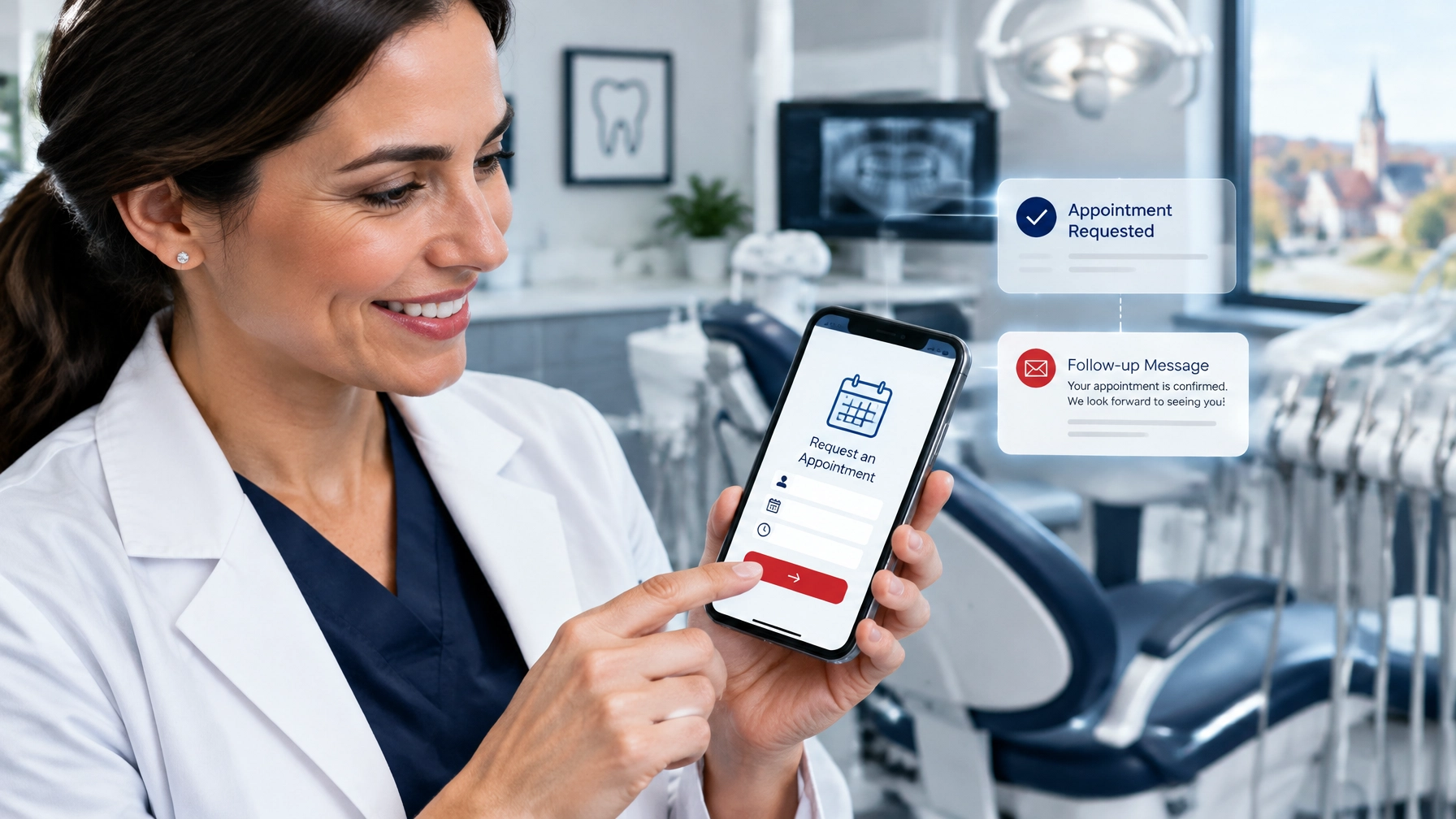
Web design and search optimization should not be treated as separate projects. The structure, content, speed, and usability of your website all influence how easily people and search systems can understand your business.
Professional local SEO services should support your website with:
For a company serving Lebanon County, local relevance should appear naturally in service descriptions, project examples, customer stories, and service-area information. Do not simply repeat a place name across every page. Useful local context is stronger than keyword stuffing.
GEO, or generative engine optimization, focuses on making your business easier for AI-powered search tools to understand and verify.
There is no guaranteed AI shortcut or special piece of code that forces a chatbot to recommend your company. However, you can improve your chances of being understood by clearly explaining:
Google’s guidance confirms that traditional SEO fundamentals still matter for AI search features. Strong content, crawlable pages, accurate information, and genuine expertise remain the foundation.
Read our guide to SEO services for more ways to connect website improvements with long-term visibility.
A website can capture a lead at midnight, but what happens next?
Marketing automation can send an immediate confirmation, notify your staff, offer a booking link, and remind a prospect to follow up. An AI assistant may also answer basic questions, summarize inquiries, or route leads to the correct team member.
For example, a roofing website could:
AI marketing should reduce friction: not replace judgment. Do not let an automated system invent pricing, provide legal or medical advice, or make promises your team cannot keep.
The best AI experience feels helpful because it knows when to involve a human.
Your website is the hub, but it should connect with the rest of your growth system.
PPC management can place your business in front of people who are ready to act now. Send paid traffic to focused landing pages instead of a generic homepage.
Track calls, quote requests, appointments, and sales: not merely clicks. A campaign that produces 500 clicks but no qualified leads is not a success.
Reviews influence whether people believe your website claims. BrightLocal’s 2025 research found that 40% of consumers use generative AI during search, while Google remains a major source for local discovery.
That means your public reputation may influence decisions across search engines, maps, review platforms, and AI tools.
Use reputation management for businesses to:
Your website, advertisements, emails, social profiles, and automated messages should sound like the same company. If you are searching for a branding agency near me, look for a partner that understands both visual identity and customer experience.
For online retailers, an experienced ecommerce development company can connect product pages, checkout, search optimization, analytics, and follow-up into one smoother customer journey.

Website traffic is useful, but it is not the final score.
Review these numbers each month:
If 100 inquiries currently produce 15 customers, improving your conversion process to 18 customers represents a 20% increase without generating one additional lead.
That is the power of conversion-focused web design services.
“The goal is not simply to be seen. The goal is to make it easy for the right customer to trust you and take the next step.” : Rob Gundermann, Marketing Consultant
A trusted digital marketing agency or small business marketing agency should help you prioritize the changes most likely to produce measurable results: not simply recommend every available tool.
AI-era web design combines traditional usability with structured information, conversion strategy, automation, search visibility, and ongoing measurement. The website must help both people and technology understand your business.
Not necessarily. A chatbot can help if your customers ask repeat questions or need after-hours support. However, a fast mobile website, clear phone number, strong forms, and reliable follow-up may create more value than adding a chatbot immediately.
No. GEO builds on SEO. Clear content, accurate business information, technical accessibility, reviews, and useful pages remain important whether a customer discovers you through Google, an AI tool, or a referral.
Review important information monthly and evaluate performance quarterly. Update services, hours, offers, team details, reviews, photos, and FAQs whenever the business changes. A website that remains untouched for years can quickly become inaccurate.
AI is changing how customers search, compare, and choose. But the fundamentals remain human: people want clear answers, trustworthy businesses, fast responses, and an easy next step.
The right combination of web design services, SEO services, local SEO services, GEO, PPC management, AI marketing, marketing automation, reputation management, and branding can turn your website into a dependable growth asset.
Premier Marketing Group has helped businesses improve their marketing for more than a decade. If your current website is losing visitors, missing inquiries, or failing to explain your value, now is the time to improve it.
Schedule a marketing consultation and build a website that works around the clock: so you can take your business to the next level with continuous, measurable improvement.
Meta description: Explore how web design services help Lebanon County businesses build AI-ready websites that attract, convert, and follow up with qualified leads 24/7 for growth.
{"@type":"Article","about":["Web design services","AI marketing","Local SEO","GEO","Marketing automation","Lead generation"],"image":["https://cdn.marblism.com/UWNruCFnpKt.webp","https://premierdigitalmarketers.com/wp-content/uploads/2026/09/1CvP1TEEZbN.webp","https://premierdigitalmarketers.com/wp-content/uploads/2026/09/KKBqqP3twzb.webp"],"author":{"url":"https://premierdigitalmarketers.com/","name":"Premier Marketing Group","@type":"Organization"},"@context":"https://schema.org","headline":"Web Design Services in the AI Era: How Lebanon County Businesses Turn Websites Into 24/7 Lead Generators","publisher":{"url":"https://premierdigitalmarketers.com/","logo":{"url":"https://premierdigitalmarketers.com/wp-content/uploads/2020/11/Premier-Marketing-Group.svg","@type":"ImageObject"},"name":"Premier Marketing Group","@type":"Organization"},"inLanguage":"en-US","description":"Explore how web design services help Lebanon County businesses build AI-ready websites that attract, convert, and follow up with qualified leads 24/7 for growth.","mainEntityOfPage":{"@id":"https://premierdigitalmarketers.com/","@type":"WebPage"}}
If you sell products online, you are competing for attention before a shopper ever reaches your store. The central question is simple: Should you invest in SEO, PPC, or both?
After more than 15 years helping small businesses and ecommerce brands grow, we have learned that SEO and PPC are not opposing teams. They are two parts of the same sales system. SEO builds your long-term visibility, while PPC helps you capture demand immediately.
Think of SEO as planting an orchard. It takes time to grow, but it can produce fruit season after season. PPC is more like renting a highly visible roadside sign: you can attract attention quickly, but the traffic stops when you stop paying.
| SEO | PPC |
|---|---|
| Builds compounding visibility | Produces immediate traffic |
| Supports long-term customer acquisition | Helps launch and test products quickly |
| No incremental cost for each organic click | Costs money for each click or conversion |
| Requires technical and content work | Requires ongoing budget and optimization |
| Best for evergreen products and categories | Best for promotions, new products, and remarketing |
For a new Pennsylvania store, PPC can help validate demand within days. However, SEO should begin at the same time. If you wait six months to build your organic foundation, you may spend far more on paid traffic than necessary.
Our field rule is simple: “Use PPC to discover what converts, then use SEO to own more of that demand.”
Your product pages are not digital shelves. They are your sales staff, product catalog, trust builder, and checkout assistant: all working at once.
Start with these improvements:
Google explains that product structured data can help products appear with richer information, including price, availability, ratings, shipping, and returns. Google also distinguishes between product snippets and merchant listings for pages where shoppers can purchase directly.
That means your ecommerce website should include accurate Product and Offer structured data, while your Google Merchant Center feed should match the same product names, prices, inventory, and identifiers.
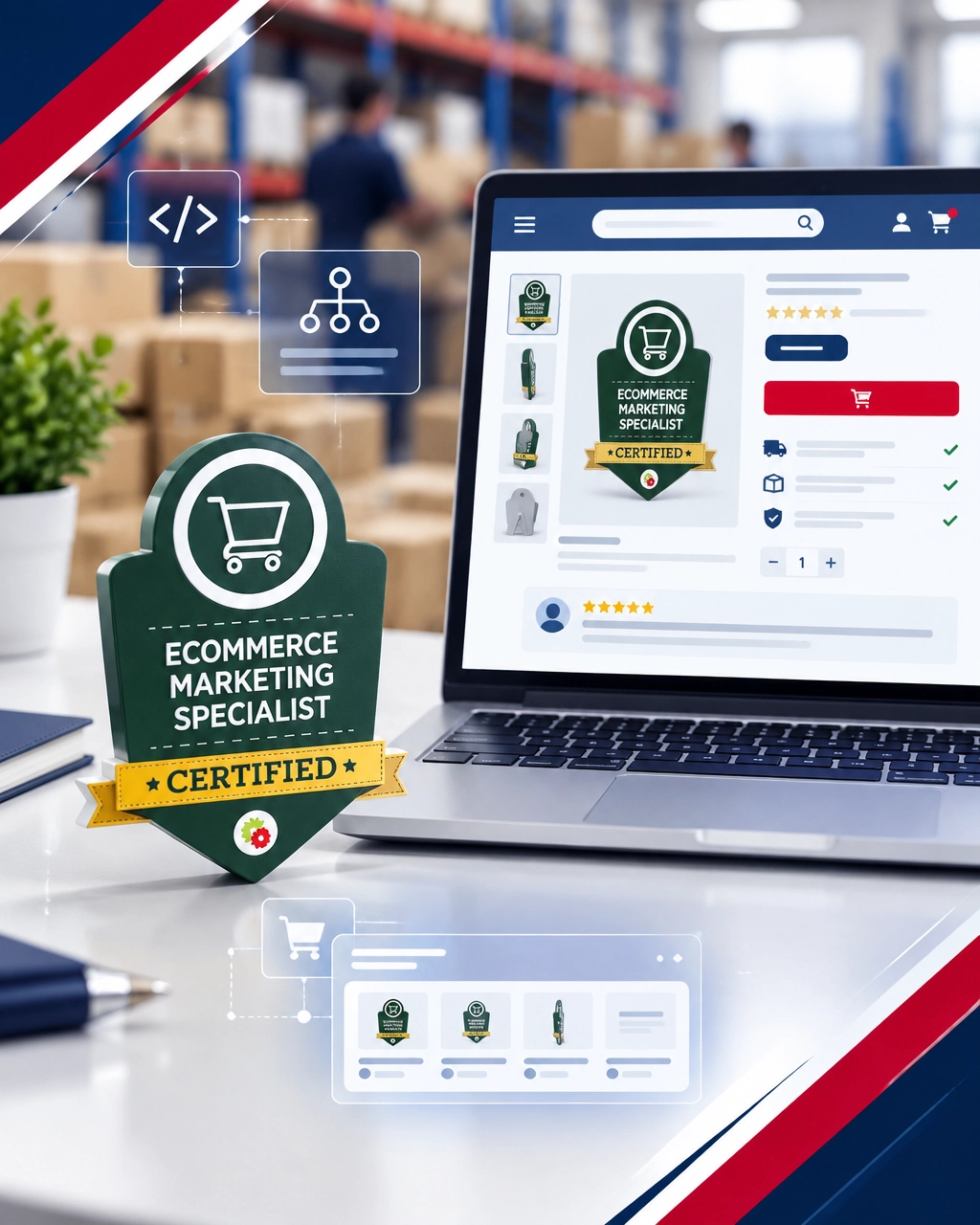
Reviews are more than social proof. They answer the questions that stop shoppers from buying:
Baymard’s research found that 19% of shoppers abandon because they do not trust a site with their credit card information, while 13% cite an unsatisfactory return policy. Clear policies, secure checkout signals, and authentic reviews can directly address those concerns.
This is also where reputation management for businesses supports ecommerce growth. Your public reputation influences branded searches, repeat orders, and the confidence shoppers bring to your product pages.
PPC is especially valuable when you need results before SEO has had time to mature.
Prioritize paid campaigns when you are:
Google Shopping and Performance Max campaigns use product data to match your products with relevant searches. That makes feed quality extremely important. A vague title such as “Classic Jacket” gives Google less information than “Women’s Waterproof Quilted Jacket: Navy, Medium.”
Segment products by:
Your best-selling product is not always your most profitable product. A product with a $20 margin may deserve more budget than one with higher revenue but little contribution after fulfillment and advertising costs.
A qualified PPC management partner can help you manage bids, search terms, audiences, product groups, and return-on-ad-spend targets without treating every SKU the same.
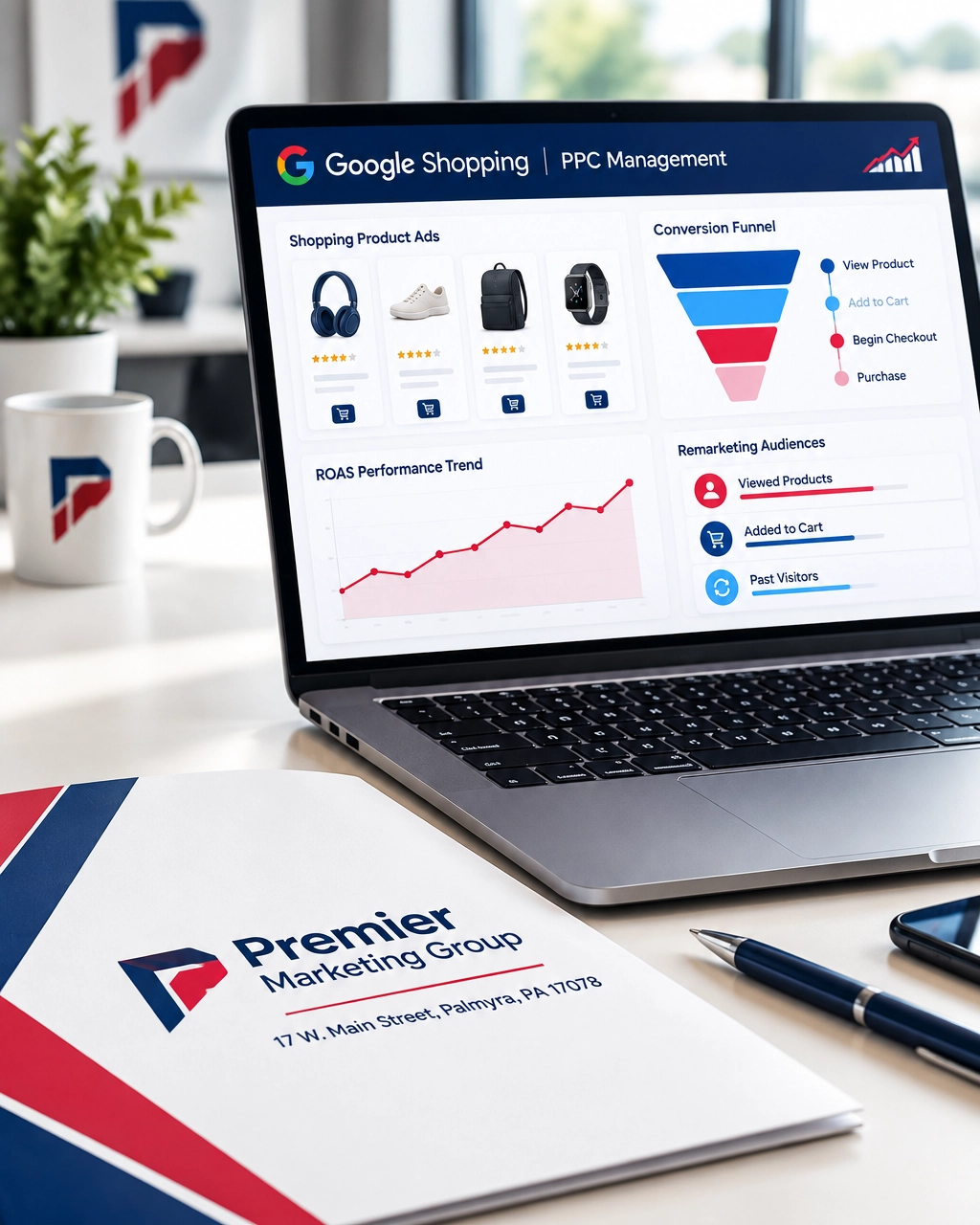
You cannot make a reliable SEO-versus-PPC decision if your tracking is incomplete.
At a minimum, your ecommerce measurement system should record:
view_itemadd_to_cartbegin_checkoutadd_payment_infopurchaseTrack the product ID, product name, price, quantity, revenue, traffic source, and campaign. Use the same SKU or product identifier across your website, Merchant Center feed, GA4 events, and advertising platforms.
Then ask better questions:
Baymard’s current benchmark puts average online shopping cart abandonment at 70.22%. Its research also found that 40% of shoppers abandon because extra costs are too high, 20% because delivery is too slow, and 17% because the checkout process is too long or complicated.
Those numbers are not just industry trivia. They are a diagnostic checklist. Display total costs earlier, communicate delivery expectations clearly, offer guest checkout, and reduce unnecessary form fields.
Most shoppers do not buy the first time they visit. Some are comparing prices. Others are waiting for payday, checking reviews, or discussing the purchase with someone else.
Remarketing gives you a second conversation.
Build audiences for:
Keep the message relevant. A shopper who viewed a pair of boots should see those boots or related accessories: not a random sitewide advertisement.
Email and SMS can extend this strategy through marketing automation. For example:
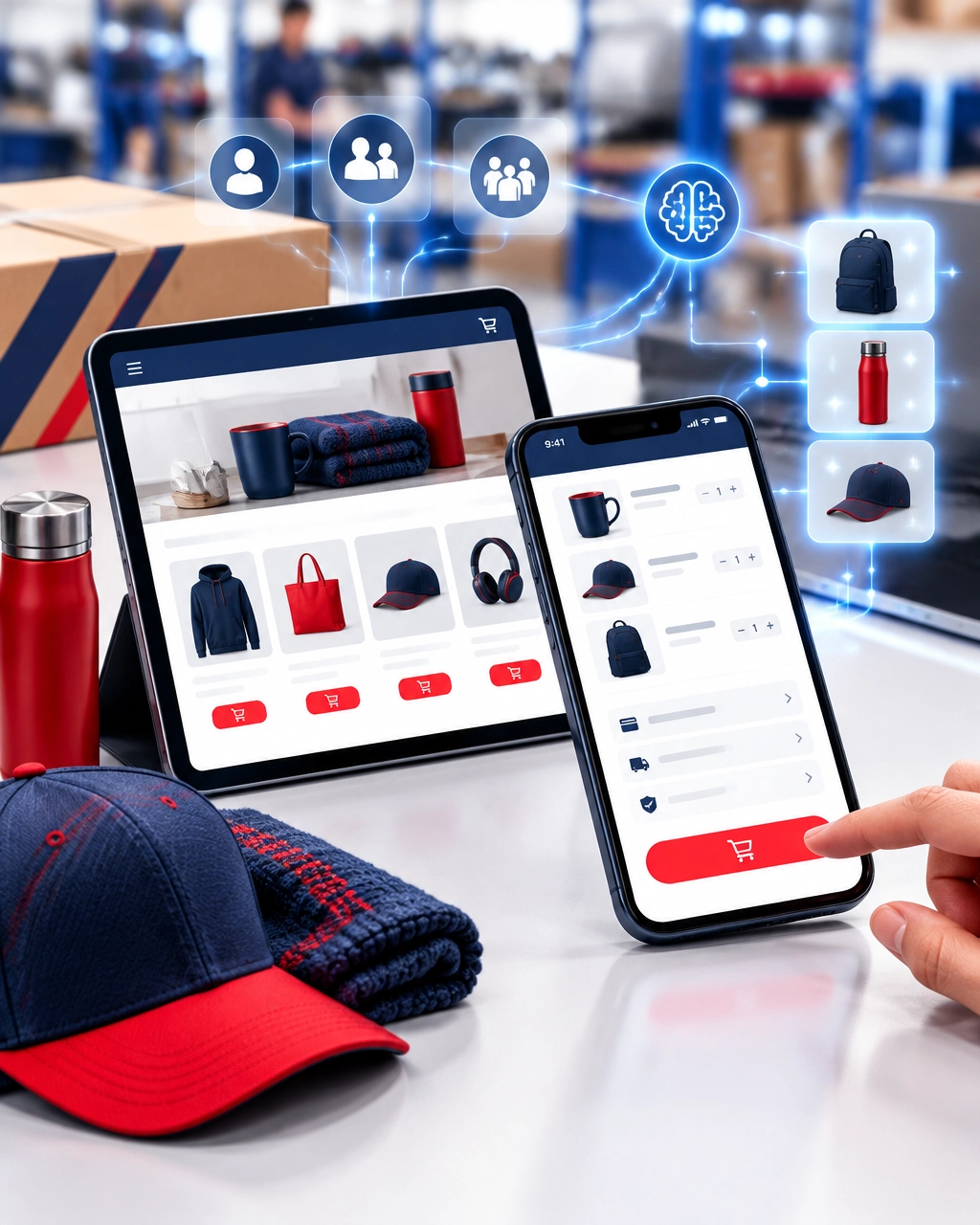
AI marketing is becoming useful when it supports better decisions: not when it replaces your brand voice.
You can use AI-assisted merchandising to:
Human review remains essential. AI can help you process information faster, but your team should approve claims, pricing, product details, and brand language.
The same principle applies to GEO, or generative engine optimization. Clear product information, accurate business details, helpful buying advice, and consistent brand signals can make your ecommerce business easier for search engines and AI tools to understand.
There is no universal percentage that works for every store. Your budget should reflect your growth stage, margins, competition, and cash flow.
A practical starting framework is:
Your website also matters. An experienced ecommerce development company can build the technical foundation for fast pages, clean product architecture, secure checkout, structured data, and scalable integrations.
If your store needs a broader redesign, explore our web design services. A strong storefront should make it easy for both search engines and shoppers to understand what you sell.
Neither is always better. PPC is faster and useful for immediate sales, testing, and promotions. SEO generally provides more durable value over time. Most ecommerce brands benefit from using both.
Many stores begin seeing meaningful improvements within three to six months, although highly competitive categories may take longer. Technical fixes and better product pages can produce earlier gains, especially when the site has serious indexing or usability problems.
No. Allocate budget according to profit margin, inventory, conversion rate, customer value, and strategic importance. Separate proven products from experiments so one group does not hide the performance of another.
Yes. Local visibility can strengthen trust and help you reach nearby shoppers, pickup customers, and regional audiences. A Lancaster-area brand, for example, may benefit from showing its Pennsylvania roots while still selling nationwide. Local SEO services can support that regional credibility.
Bring in a marketing consultant when your traffic is growing but sales are not, your advertising data is unclear, or you are unsure how to prioritize SEO, PPC, design, and automation.
You may benefit from one if your ecommerce growth depends on multiple connected services, including SEO services, paid advertising, web design services, branding, email automation, and analytics. A coordinated strategy is usually more efficient than asking several disconnected vendors to manage separate pieces.
If you are comparing providers, you may also search for a branding agency near me or a digital marketing agency that understands both creative positioning and measurable acquisition. The important question is not simply proximity: it is whether the partner can connect your brand, website, advertising, and customer experience.
SEO builds your store’s long-term equity. PPC creates momentum when you need it. Conversion tracking tells you where the money is going. Remarketing and automation help you recover opportunities that would otherwise disappear.
Premier Marketing Group has helped small businesses for more than 15 years with practical, cost-conscious growth strategies. From ecommerce development and SEO services to PPC, AI marketing, GEO, branding, and conversion-focused design, our goal is to help you take the next level with measurable progress.
Contact Premier Marketing Group to discuss your ecommerce growth plan and build a system that turns more searches into profitable sales.
Meta description: Compare SEO vs. PPC for ecommerce, improve product pages, track conversions, use Shopping ads to grow Pennsylvania sales with an ecommerce development company.
{"@graph":[{"@type":"Article","about":["Ecommerce SEO","PPC advertising","Google Shopping","Conversion tracking","Remarketing","Marketing automation"],"image":"https://cdn.marblism.com/dg7L5QeZt_Y.webp","author":{"url":"https://premierdigitalmarketers.com/","name":"Premier Marketing Group","@type":"Organization"},"headline":"SEO vs. PPC for Ecommerce: How Pennsylvania Brands Can Turn More Searches Into Sales","publisher":{"url":"https://premierdigitalmarketers.com/","logo":{"url":"https://premierdigitalmarketers.com/wp-content/uploads/2020/11/Premier-Marketing-Group.svg","@type":"ImageObject"},"name":"Premier Marketing Group","@type":"Organization"},"description":"Compare SEO and PPC for ecommerce, improve product pages, track conversions, and use Shopping campaigns, remarketing, and automation to grow Pennsylvania sales.","dateModified":"2026-09-14","datePublished":"2026-09-14"},{"@type":"FAQPage","mainEntity":[{"name":"Is SEO or PPC better for ecommerce?","@type":"Question","acceptedAnswer":{"text":"PPC is faster and useful for immediate sales, testing, and promotions. SEO generally provides more durable value over time. Most ecommerce brands benefit from using both.","@type":"Answer"}},{"name":"How long does ecommerce SEO take?","@type":"Question","acceptedAnswer":{"text":"Many stores begin seeing meaningful improvements within three to six months, although highly competitive categories may take longer.","@type":"Answer"}},{"name":"Should every product receive the same PPC budget?","@type":"Question","acceptedAnswer":{"text":"No. Allocate budget according to profit margin, inventory, conversion rate, customer value, and strategic importance.","@type":"Answer"}},{"name":"Do local SEO services help an online store that ships nationwide?","@type":"Question","acceptedAnswer":{"text":"Yes. Local visibility can strengthen trust and help you reach nearby shoppers, pickup customers, and regional audiences while still supporting nationwide sales.","@type":"Answer"}},{"name":"When should I hire a marketing consultant?","@type":"Question","acceptedAnswer":{"text":"Consider a marketing consultant when traffic is growing but sales are not, advertising data is unclear, or you are unsure how to prioritize SEO, PPC, design, and automation.","@type":"Answer"}}]}],"@context":"https://schema.org"}
If a homeowner in Hershey needs emergency heating repair, or a business owner in Lebanon County needs an accountant, the search often starts on a phone. The businesses that appear first: with accurate information, strong reviews, and an easy way to call: have a major advantage.
For more than 10 years, Premier Marketing Group has helped Pennsylvania small businesses turn online visibility into measurable growth. Our mission is simple: help home-service companies, professionals, and ecommerce brands attract more qualified visitors, calls, appointments, and sales.
Local search is no longer limited to traditional Google results. Customers use Google Search, Google Maps, review platforms, social media, and AI tools to compare businesses.
BrightLocal’s 2025 consumer research found that:
For your business, this creates both urgency and opportunity. A complete online presence can act like a digital handshake before you ever speak with a prospect. An incomplete profile, outdated website, or unanswered review can make that handshake feel uncertain.
Google says local rankings are mainly influenced by relevance, distance, and prominence. Your local SEO strategy should address all three.
A good local SEO plan is more than adding a city name to your homepage. It connects your business information, content, reputation, website, and lead tracking.
Your Google Business Profile is often your first storefront. Customers may see your business name, services, reviews, phone number, hours, photos, and directions before visiting your website.
Start by:
Google specifically recommends complete and accurate business information, review responses, and photos. Read Google’s official guide to improving local rankings.
A plumber serving Lebanon County, for example, should clearly explain whether the company offers emergency calls, water-heater repair, sewer services, and service to nearby communities. Specific information improves relevance and helps customers choose faster.
Getting traffic is only half the job. Your website must turn attention into action.
A strong local website should:
Think of your website as a helpful employee who never goes home. If that employee makes visitors hunt for basic information, potential customers will leave and call someone else.
Premier Marketing Group’s custom website design services and small business web design packages can help create a faster, clearer path from search to conversion.
Reviews influence both customer trust and local visibility. Rio SEO’s 2025 study found that 75% of consumers read at least four reviews before making a decision, while 53% say inaccurate listings can drive them away.
Your reputation management process should:
A review saying, “The electrician explained our panel upgrade and arrived on time in Hershey,” is more persuasive than a vague “Great service.” It gives future customers context and reinforces your services and location.
For more guidance, explore Premier Marketing Group’s resource on reputation management for businesses.
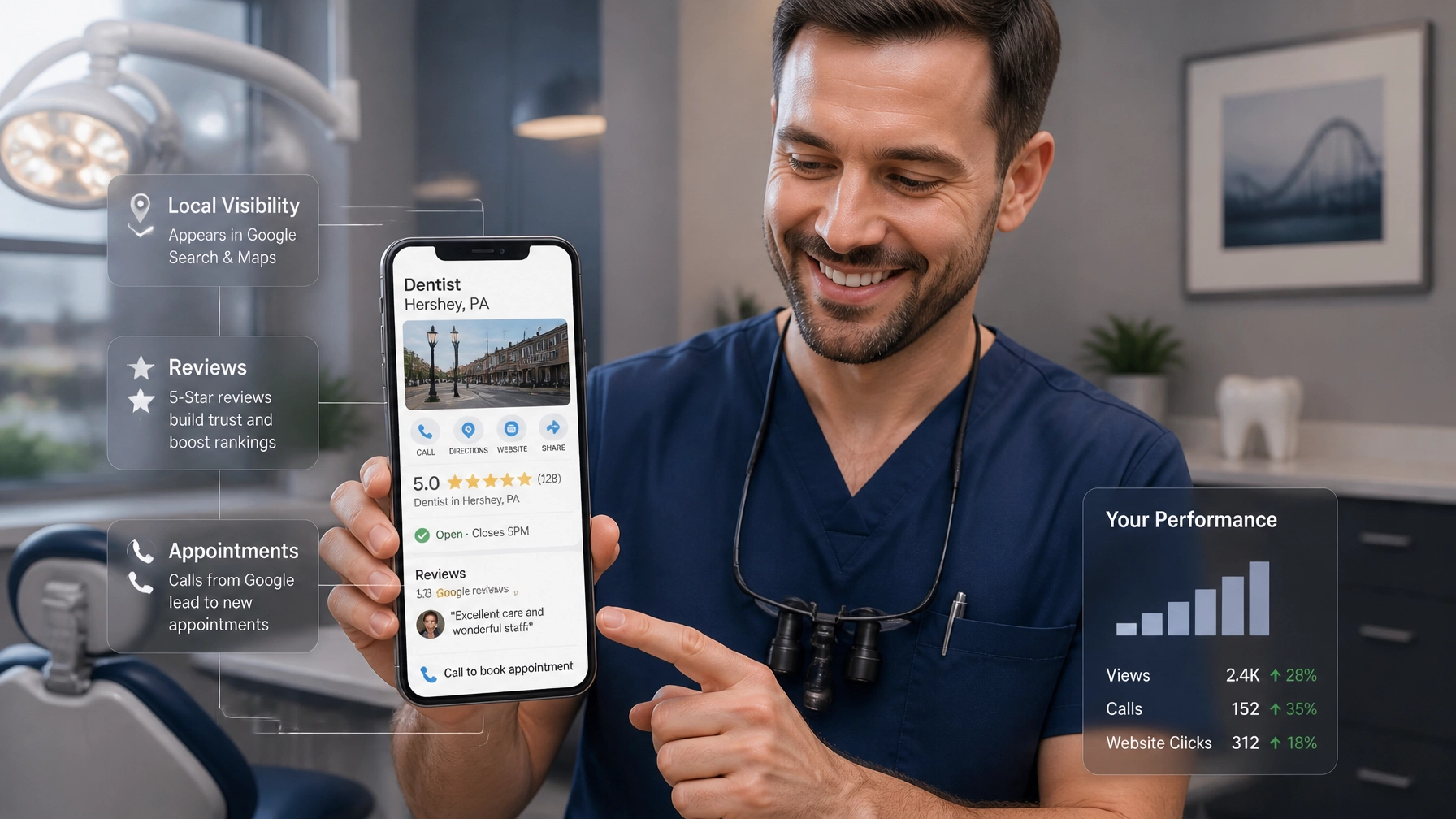
Customers do not follow one predictable path. Some search organically. Others click an advertisement, review your profile, ask an AI tool for recommendations, or visit your website several times before calling.
That is why an effective plan combines several services.
Traditional SEO services help your website appear for searches such as:
Create useful service pages, location-relevant content, internal links, and helpful answers. Avoid producing dozens of thin pages that say nearly the same thing. Google’s guidance for AI search emphasizes valuable, original, people-first content.
Generative Engine Optimization, or GEO, focuses on making your business easier for AI systems to understand and verify.
Your website should clearly communicate:
Google confirms that standard SEO best practices remain important for AI Overviews and other generative search features. There is no special AI schema or guaranteed shortcut. Clear information, crawlable pages, strong reputation signals, and useful content remain the foundation.
SEO compounds over time, but PPC management can place your offer in front of high-intent searchers now.
For a roofing company, paid campaigns might target “roof leak repair near me.” For a dentist, they might focus on “emergency dentist Hershey.” For an ecommerce brand, campaigns can promote high-margin products or seasonal offers.
Track calls, form submissions, booked appointments, and revenue: not just clicks. Otherwise, you may be paying for activity without knowing whether it produces growth.
A missed call or unanswered form can become a lost customer. Marketing automation helps you respond quickly with:
AI marketing can help identify patterns, draft content, summarize customer feedback, and support faster responses. It should assist your team: not replace the human experience that builds trust.
Rankings are useful, but they are not the final score.
Track these monthly:
Premier Marketing Group uses a measurable, three-step transformation approach: understand your current position, improve the highest-impact areas, and continue optimizing from real performance data.
“The goal is not simply to be seen. The goal is to make it easy for the right customer to trust you and take the next step.” : Rob Gundermann, Marketing Consultant
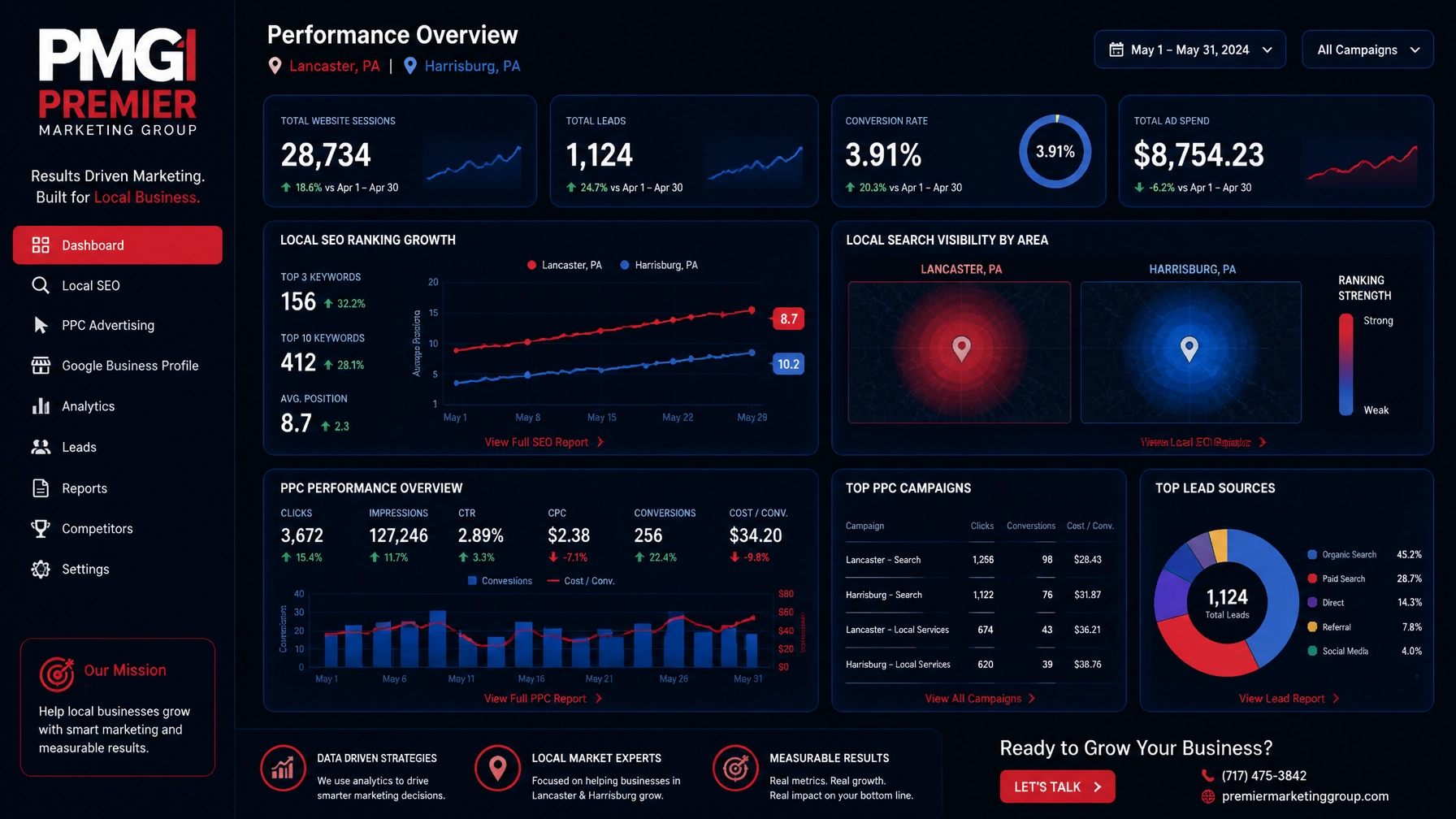
Use Premier’s directory listings for SEO resource to strengthen your citation foundation.
For ecommerce brands, ecommerce development services can help connect product data, search visibility, user experience, and online sales.
Some improvements, such as correcting business information or improving a profile, may produce faster gains. Broader improvements in rankings, reviews, authority, and qualified leads commonly require several months of consistent work. Your market, competition, website condition, and service area all affect the timeline.
No. Your profile is essential, but it works best alongside strong web design services, accurate directory listings, useful content, reputation management, and measurable follow-up.
Most businesses benefit from both. SEO builds long-term visibility and credibility, while PPC management can generate immediate exposure for high-intent searches. The right balance depends on your goals, budget, competition, and sales cycle.
No. GEO builds on traditional SEO. Your content must still be useful, technically accessible, accurate, and supported by real business information and reputation signals.
Choose a digital marketing agency that explains its process clearly, connects activity to business outcomes, and can support the services you actually need. A small business marketing agency should provide a tailored plan: not a confusing list of disconnected tactics.
Your next customer may already be searching for your service in Hershey, Lebanon County, or another Pennsylvania community. The tipping point is whether your business appears credible, relevant, accessible, and easy to contact when that search happens.
With the right combination of local SEO services, SEO services, web design services, reputation management, GEO, PPC management, marketing automation, and AI marketing, you can build a growth system that improves over time.
Premier Marketing Group has helped small businesses for more than a decade. Whether you need a marketing consultant, a branding agency near me, or a complete digital growth partner, the next step is to measure where you are and improve what matters most.
Take your business to the next level with a practical, measurable local marketing plan.
Schedule a marketing consultation with Premier Marketing Group.
Meta description: Discover how local SEO services help Pennsylvania businesses win more calls, reviews, and sales with SEO, GEO, PPC, web design, and AI marketing.
{"@graph":[{"@type":"Article","image":["https://premierdigitalmarketers.com/wp-content/uploads/2026/08/8ZL2HhhyKet.webp","https://premierdigitalmarketers.com/wp-content/uploads/2026/09/uMo27exVuFc.webp","https://premierdigitalmarketers.com/wp-content/uploads/2026/08/JGdwvrsAxz6.webp"],"author":{"url":"https://premierdigitalmarketers.com/","name":"Premier Marketing Group","@type":"Organization"},"headline":"Local SEO Services That Turn Searches Into Calls: A 2026 Growth Guide for PA Businesses","publisher":{"url":"https://premierdigitalmarketers.com/","logo":{"url":"https://premierdigitalmarketers.com/wp-content/uploads/2020/11/Premier-Marketing-Group.svg","@type":"ImageObject"},"name":"Premier Marketing Group","@type":"Organization"},"inLanguage":"en-US","description":"Discover how local SEO services help Pennsylvania businesses win more calls, reviews, and sales with SEO, GEO, PPC, web design, and AI marketing.","dateModified":"2026-09-07","datePublished":"2026-09-07"},{"@type":"FAQPage","mainEntity":[{"name":"How long do local SEO services take to produce results?","@type":"Question","acceptedAnswer":{"text":"Some improvements, such as correcting business information or improving a profile, may produce faster gains. Broader improvements in rankings, reviews, authority, and qualified leads commonly require several months of consistent work.","@type":"Answer"}},{"name":"Is Google Business Profile optimization enough?","@type":"Question","acceptedAnswer":{"text":"No. A Google Business Profile is essential, but it works best alongside strong web design services, accurate directory listings, useful content, reputation management, and measurable follow-up.","@type":"Answer"}},{"name":"Should I choose SEO or PPC?","@type":"Question","acceptedAnswer":{"text":"Most businesses benefit from both. SEO builds long-term visibility and credibility, while PPC management can generate immediate exposure for high-intent searches.","@type":"Answer"}},{"name":"Does GEO replace traditional SEO?","@type":"Question","acceptedAnswer":{"text":"No. GEO builds on traditional SEO. Content must still be useful, technically accessible, accurate, and supported by real business information and reputation signals.","@type":"Answer"}},{"name":"What should I look for in a digital marketing agency?","@type":"Question","acceptedAnswer":{"text":"Choose a digital marketing agency that explains its process clearly, connects activity to business outcomes, and can support the services you need with a tailored plan.","@type":"Answer"}}]}],"@context":"https://schema.org"}
Hiring a digital marketing agency is a major decision. The right partner can help your HVAC company, dental practice, law firm, accounting office, roofing business, or ecommerce brand generate more qualified leads and sales. The wrong one can consume your budget while reporting little more than keyword rankings.
At Premier Marketing Group, we have more than 15 years of experience helping local businesses, professionals, ecommerce companies, and entrepreneurs grow. Our mission is simple: connect your marketing investment to measurable business results.
In 2026, digital marketing and SEO for local businesses should include more than basic website updates. It should connect search engine optimization, web design, paid advertising, reviews, branding, conversion tracking, and visibility in AI-generated search results.
Before you sign an agreement, make sure the agency can explain:
A strong program should make your business easy to find, understand, trust, and contact.
That may include:
Think of your marketing system as a family under one roof. Your website, Google profile, ads, reviews, and social accounts should tell the same story. If your business name, services, hours, or phone number conflict across platforms, customers and search engines may lose confidence.
Ask whether the agency has experience with businesses like yours.
A marketing plan for an emergency plumber is different from one for a dentist, accountant, roofing company, or ecommerce brand. Home services often depend on phone calls and service-area visibility. Professional services need trust and consultation bookings. Ecommerce companies need product pages, shopping feeds, checkout optimization, and repeat purchases.
Look for relevant experience, not just a long client list. Ask for examples from similar industries and markets, including the Harrisburg area if local competition matters to you.
“SEO included” is too vague. Ask the agency to itemize its work.
A complete local SEO program may include Google Business Profile improvements, citation cleanup, service-area pages, technical fixes, local content, review support, internal linking, and local authority building.
Ask:
A low-cost package that only creates automated directory listings may leave important gaps.
More traffic does not automatically produce more business. Your website needs to guide visitors toward the next step.
Ask whether the agency will review:
A professional custom website design project should support your marketing strategy, not operate separately from it.
In 2026, customers may ask Google AI Overviews, ChatGPT, or another tool to recommend a local business. GEO helps your company become easier for AI systems to understand and potentially cite.
Ask:
Be cautious of anyone promising guaranteed ChatGPT placement or a special “AI ranking formula.” Google’s official guidance on AI features and websites emphasizes strong, helpful, crawlable content: not secret AI markup.
AI marketing should support real business visibility, not replace proven SEO fundamentals.
Ask for results involving leads, booked appointments, revenue, or qualified inquiries: not only impressions.
A useful case study should explain:
If an agency cannot explain how it produced results for a comparable business, treat that as a warning sign.
Rankings are useful diagnostic signals, but they are not the finish line.
Your reports should connect marketing activity to:
For example, if marketing generates 40 leads, 25% become customers, and each produces $800 in gross profit, the campaign creates approximately $8,000 in gross profit. That calculation is more useful than knowing one keyword moved from position 11 to position 6.
A strong onboarding plan should be specific.
The agency should collect access, review your website, analyze competitors, check analytics, audit your Google Business Profile, and identify tracking gaps.
This stage may include technical fixes, landing page improvements, citation corrections, conversion tracking, content updates, and campaign setup.
The team should review early data, refine campaigns, improve underperforming pages, address lead quality, and present a clear next-quarter plan.

If the first 90 days consist only of “waiting for rankings,” you are not receiving a strategic growth plan.
Ask whether your work will be handled by experienced specialists, junior staff, contractors, or automated software.
Outsourcing is not automatically a problem. Many excellent agencies use a combination of in-house experts and trusted partners. The issue is transparency.
Ask:
If you prefer one senior point of contact, an independent marketing consultant may be a good fit. A consultant can provide strategy, vendor coordination, and oversight. However, confirm whether the consultant also has the resources to execute design, development, advertising, and reporting.
Project pricing can work well for a website redesign, branding project, SEO audit, or ecommerce development project. You pay for a defined scope and delivery schedule.
A monthly retainer is usually better for ongoing SEO, PPC management, reputation monitoring, content, and marketing automation.
Common market ranges vary widely, but many single-location local SEO programs fall near $500 to $1,500 per month, while competitive or multi-location programs may reach $1,500 to $4,000 or more. Treat these as planning ranges, not universal prices.
Ask about:
The cheapest proposal is not always the lowest-cost option if it produces no qualified opportunities.
You should retain access to your domain, website, Google Business Profile, analytics, advertising accounts, content, creative files, and customer data.
Ask what happens when the relationship ends. If an agency refuses to provide access or holds your website hostage, do not sign.
This is especially important for ecommerce brands working with an ecommerce development company. Confirm who owns product data, customer records, integrations, and custom code.
Agree on a communication rhythm before work begins.
A reasonable structure might include:
Ask to see a sample report. It should explain what happened, why it happened, what will happen next, and how those actions support your goals.
A dashboard full of colorful charts is not automatically useful. Clarity beats complexity.
A trustworthy agency should be willing to discuss limitations.
Ask:
Be cautious if the agency:
An in-house hire offers daily access and deep familiarity with your business, but one person may not have expertise in SEO, web design, PPC, branding, analytics, and GEO.
A digital marketing agency provides a broader team and established processes. This is often useful when you need several services at once.
An independent marketing consultant can be an excellent choice when you need strategy, accountability, or help coordinating multiple vendors. The key question is not “agency or consultant?” It is whether the arrangement gives you the expertise and execution your goals require.
For some companies, a hybrid model works best: an internal employee manages customer knowledge while an outside partner handles specialized services.
Some improvements, such as correcting business information or fixing conversion problems, may produce benefits quickly. Competitive organic visibility, reviews, and authority often require several months. A credible agency should provide 90-day milestones without guaranteeing overnight rankings.
Look for the partner with the best combination of relevant experience, clear communication, transparent pricing, and measurable reporting. The label matters less than the process.
Not always, but they can work together. SEO builds long-term visibility, while PPC can create immediate traffic and test messaging. A combined plan may help you avoid relying on only one channel.
No. AI platforms change frequently and use multiple sources. An agency can improve your clarity, authority, structured content, reviews, and consistency, but no ethical provider can guarantee every AI recommendation.
It can be managed as a separate service, but it should support SEO and conversion goals. Recent, detailed, authentic reviews help customers evaluate your business and provide useful context across search platforms.
The right marketing partner should feel like an extension of your business: not a vendor who sends a confusing report once a month.
Use these 12 questions to compare proposals, challenge vague claims, and identify the team most capable of delivering measurable results. Whether you need SEO services, a branding agency near you, PPC management, web design, ecommerce development, or a strategic marketing consultant, start with business goals and work backward to the tactics.
Premier Marketing Group uses a three-step system: strategy and goals, design and results, and high-quality traffic and tracking. Schedule a free growth strategy call to discuss how your business can keep improving and move to the next level.
Meta description: Digital marketing and SEO for local businesses: use this 2026 checklist to vet agencies, compare pricing, measure ROI, and grow with confidence in 2026.
A new lead is not a sale. It is an open door, and the businesses that respond quickly, consistently, and personally are more likely to walk through it.
For local HVAC companies, plumbers, electricians, landscapers, roofers, dentists, lawyers, and accountants, marketing automation and AI marketing are changing how that happens. Instead of letting inquiries sit in an inbox or relying on memory for follow-up, you can build a system that responds, qualifies, educates, and reminds prospects to take the next step.
I’m Rob Gundermann, and I’ve spent over 15 years helping small businesses make better use of their marketing dollars. Our mission at Premier Marketing Group is simple: help local businesses attract the right customers and turn more opportunities into measurable growth.
Research from Harvard Business Review found that companies contacting online leads within one hour were nearly 7 times more likely to qualify the lead than companies that waited longer. For a local business, the difference between a five-minute response and a five-hour response can be the difference between winning the job and feeding your competitor’s schedule.
A potential customer searching “emergency plumber near me” or “dentist accepting new patients” usually has immediate intent. They may compare two or three businesses, read reviews, and call the first company that appears trustworthy and available.
That creates a difficult reality: you may be bleeding visitors and leads without realizing it.
Your advertising may generate a form submission. Your website may rank in local search. Your Google Business Profile may receive a call. But if nobody follows up promptly, that marketing investment can disappear.
According to Premier’s guide to local search visibility, local searches often lead to a call, visit, or purchase within a short window. Automation helps you act during that window instead of chasing the opportunity later.
Think of your marketing system as a family under one roof:
When these pieces live separately, customers experience confusion. When they work together, your business feels organized and responsive.
Marketing automation is not simply sending a mass email. It is a series of rules and triggers that move a prospect toward a useful next step.
Imagine a homeowner fills out a form asking about air conditioning repair.
The system can:
This is a digital handshake. It tells the customer, “We received your request, we understand what you need, and we are ready to help.”
For a small business with 10, 25, or 100 inquiries per month, that consistency can make a meaningful difference. Automation benchmarks commonly report higher conversion rates and lower cost per qualified lead when businesses move from manual follow-up to behavior-based nurturing.
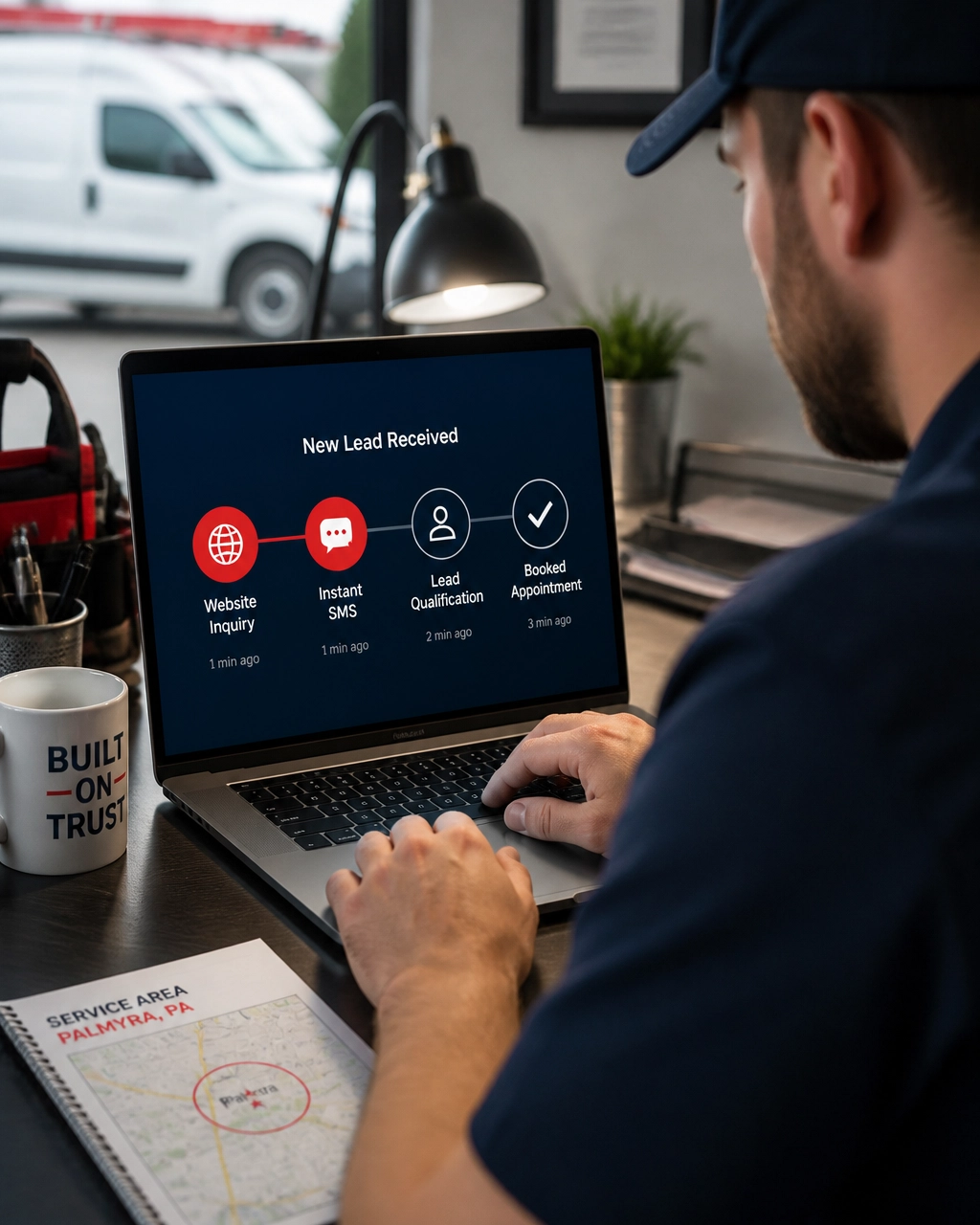
Basic automation follows fixed rules. AI marketing adds context.
For example, a basic system may send the same three-email sequence to every lead. An AI-assisted system can help identify whether someone is:
AI can help summarize conversations, prioritize leads, suggest responses, and personalize follow-up based on behavior. Recent marketing research shows that more than half of marketers now use AI for content, campaign optimization, or SEO-related work, while small businesses are increasingly using AI chatbots and assistants for customer service.
AI agents can perform a chain of actions, such as checking a lead form, sending a message, assigning a task, and updating a customer record. For local businesses, that may save hours each week.
But an AI agent should not replace human judgment in sensitive situations. A chatbot should not diagnose a medical condition, promise a legal outcome, or invent a price that your team has not approved.
Use AI to:
Keep a person involved when the conversation requires expertise, empathy, negotiation, or accountability.
Automation works best when your customer journey is built on a strong foundation.
Your website needs clear service pages, fast loading times, mobile-friendly design, and prominent calls to action. A visitor should be able to call, request an estimate, book an appointment, or ask a question without searching through multiple menus.
Premier’s web design services can help create a website that supports both conversion and search visibility.
Local SEO is not only about ranking for “HVAC company near me.” It is also about making sure customers find accurate information when they are ready to act.
Your local SEO program should support:
A strong SEO services strategy brings qualified visitors to your website. Automation helps you avoid losing them after they arrive.
SEO can build long-term visibility, but paid search can put your business in front of high-intent prospects today. With disciplined PPC management, you can connect campaigns to landing pages, calls, forms, and automated follow-up.
The goal is not simply to buy more clicks. The goal is to turn profitable clicks into booked work.
The most overlooked part of local business marketing is what happens after the customer pays.
A strong automation system can send:
For example, an HVAC company might remind a customer to schedule a fall system check. An accountant might send a quarterly planning reminder. A dentist might send an appointment confirmation and six-month recall notice.
These small touches make your business easier to remember. They also support reputation management for businesses by creating more opportunities for satisfied customers to share their experiences.
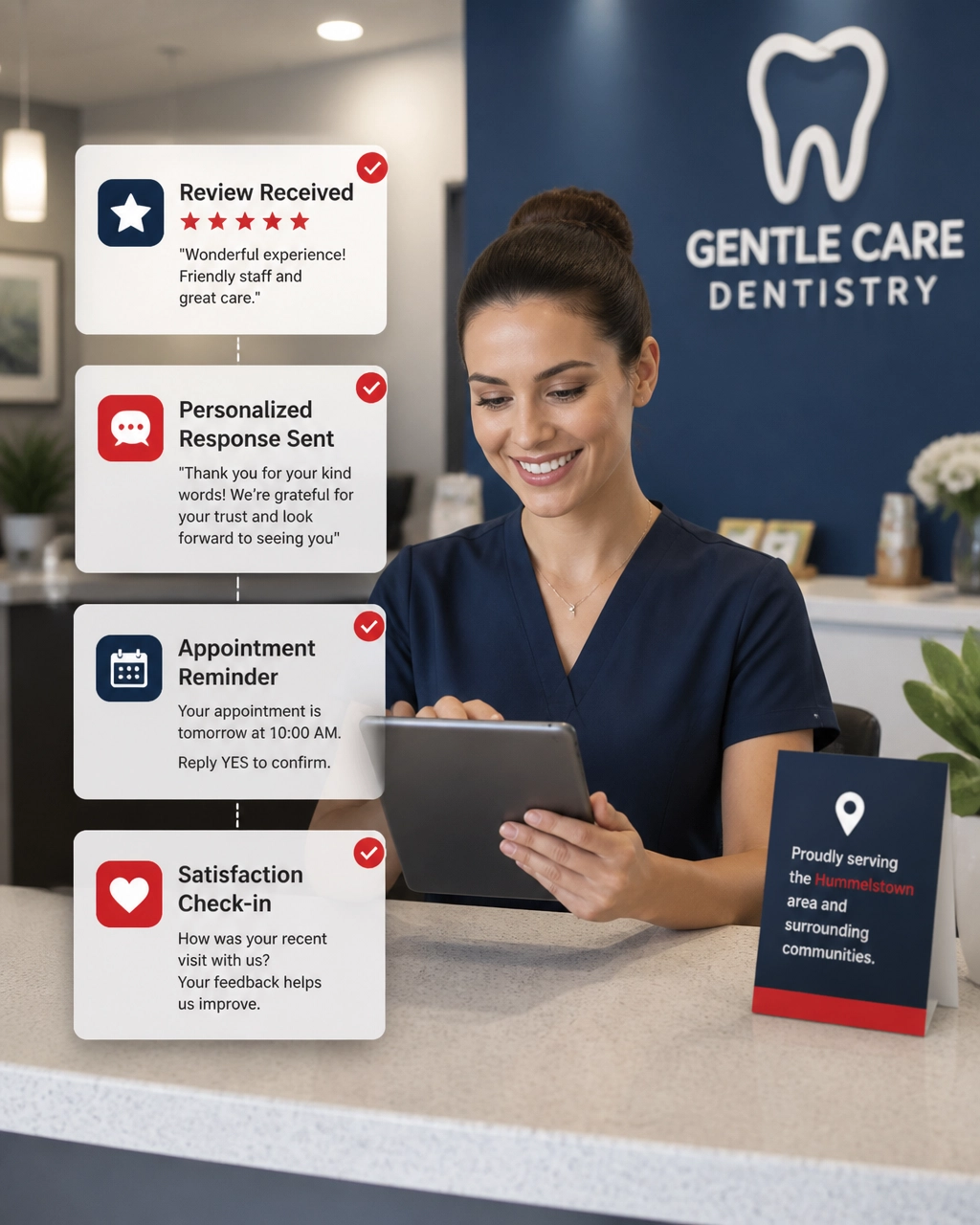
Automation should create accountability, not just activity.
Track:
A useful starting point is to compare your current lead-to-customer rate with your desired rate. If you receive 100 inquiries and close 15, moving to 18 customers represents a 20% improvement without generating one additional lead.
That is why automation can be so valuable for a local business. It improves the performance of the opportunities you already paid to attract.
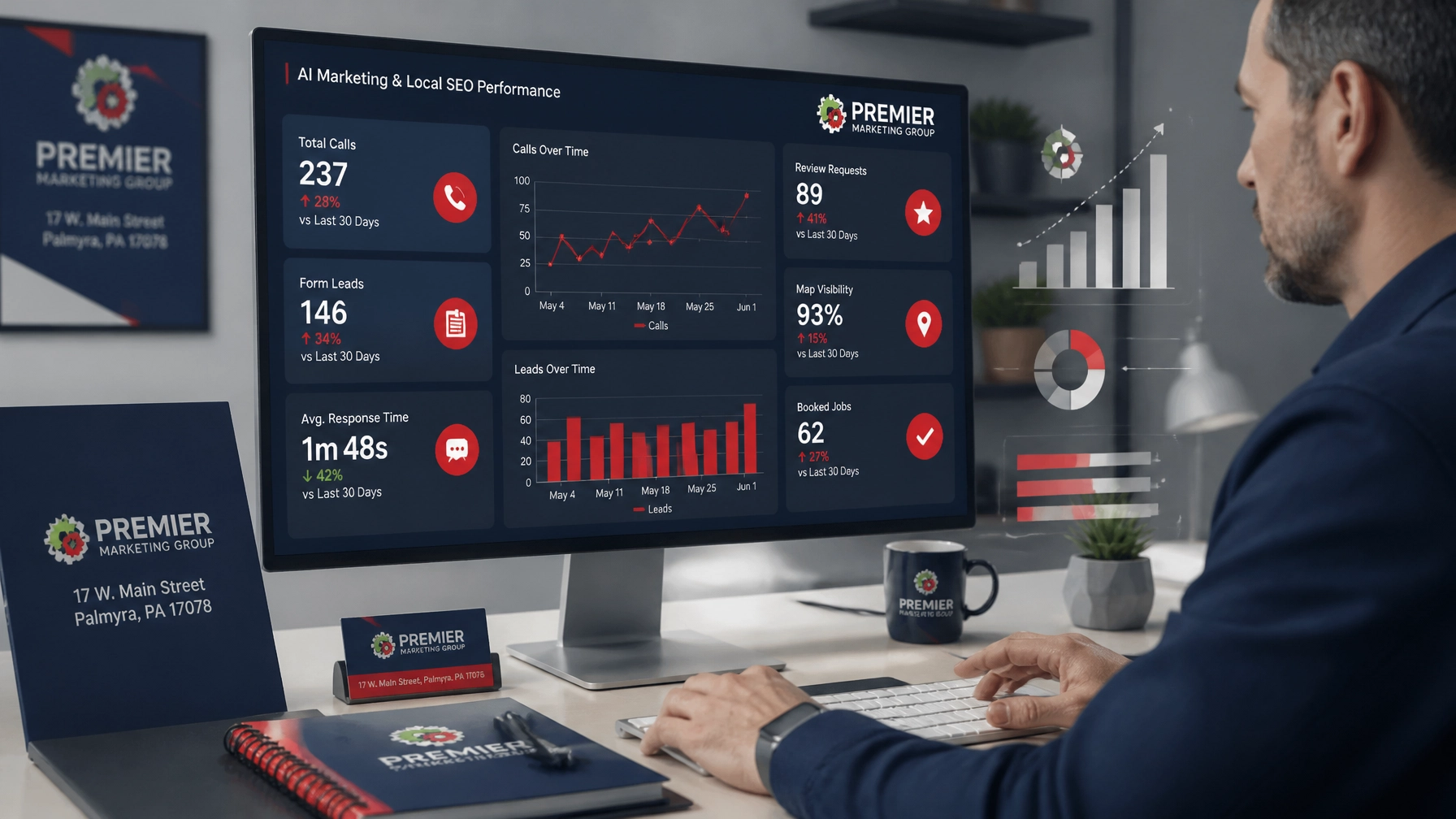
You do not need to automate everything at once. Start with the most expensive leaks.
Measure how long it takes to respond to calls, forms, texts, and social messages. Review what happens after business hours.
Set up an immediate confirmation, internal notification, and clear next step. This alone can reduce uncertainty for the prospect.
Ask only the questions needed to route the lead or schedule the right conversation.
Use email, SMS, or task reminders, but always respect consent and communication preferences.
Have an employee review sensitive or high-value messages before they are sent.
Connect marketing activity to booked work, signed clients, and repeat customers.
A qualified marketing consultant can help you identify which tasks should be automated, which require human attention, and which channels need better tracking.
No. Local businesses often benefit quickly because owners and employees handle many roles. A small business marketing agency can design a right-sized system around your lead volume, staff, budget, and customer journey.
It can if used carelessly. Use AI to recommend, organize, and personalize approved communication, not to replace your brand voice. Every important interaction should still feel relevant and human.
Indirectly, yes. Automation can support faster review responses, consistent Google Business Profile activity, lead tracking, customer feedback, and content planning. It does not replace technical SEO or local strategy, but it helps your entire marketing system operate more consistently.
Start with new-lead acknowledgments, appointment reminders, missed-call follow-up, estimate reminders, and review requests. These workflows are easy to measure and often address the largest gaps.
Look for a partner that can connect strategy, local SEO services, web design services, PPC, automation, and reporting. Ask how they protect customer data, measure conversions, and keep humans involved where judgment matters.
AI will not replace the trust customers place in a local professional. But businesses that use AI marketing and marketing automation wisely can respond faster, follow up more consistently, and deliver a smoother customer experience.
That is the opportunity in front of you: not more technology for its own sake, but a better path from first search to loyal customer.
At Premier Marketing Group, we combine more than 15 years of experience with practical technology and a proven three-step transformation system. Whether you serve customers in Lebanon County, the Harrisburg area, or another competitive local market, we can help you build a measurable plan.
Schedule a free discovery and strategy call and take your business to the next level: one better response, one stronger customer relationship, and one measurable improvement at a time.
Meta description: Learn how marketing automation and AI marketing help local businesses improve lead follow-up, local SEO, customer loyalty, and measurable growth.
{"@type":"Article","about":["Marketing automation","AI marketing","Local SEO","Lead follow-up","Small business marketing"],"author":{"name":"Robert Gundermann","@type":"Person"},"@context":"https://schema.org","headline":"Digital Marketing and SEO for Local Businesses: How Automation and AI Turn Leads Into Loyal Customers","publisher":{"url":"https://premierdigitalmarketers.com","name":"Premier Marketing Group","@type":"Organization"},"inLanguage":"en-US","description":"Learn how marketing automation and AI marketing help local businesses improve lead follow-up, local SEO, customer loyalty, and measurable growth.","mainEntityOfPage":{"@id":"https://premierdigitalmarketers.com/","@type":"WebPage"}}