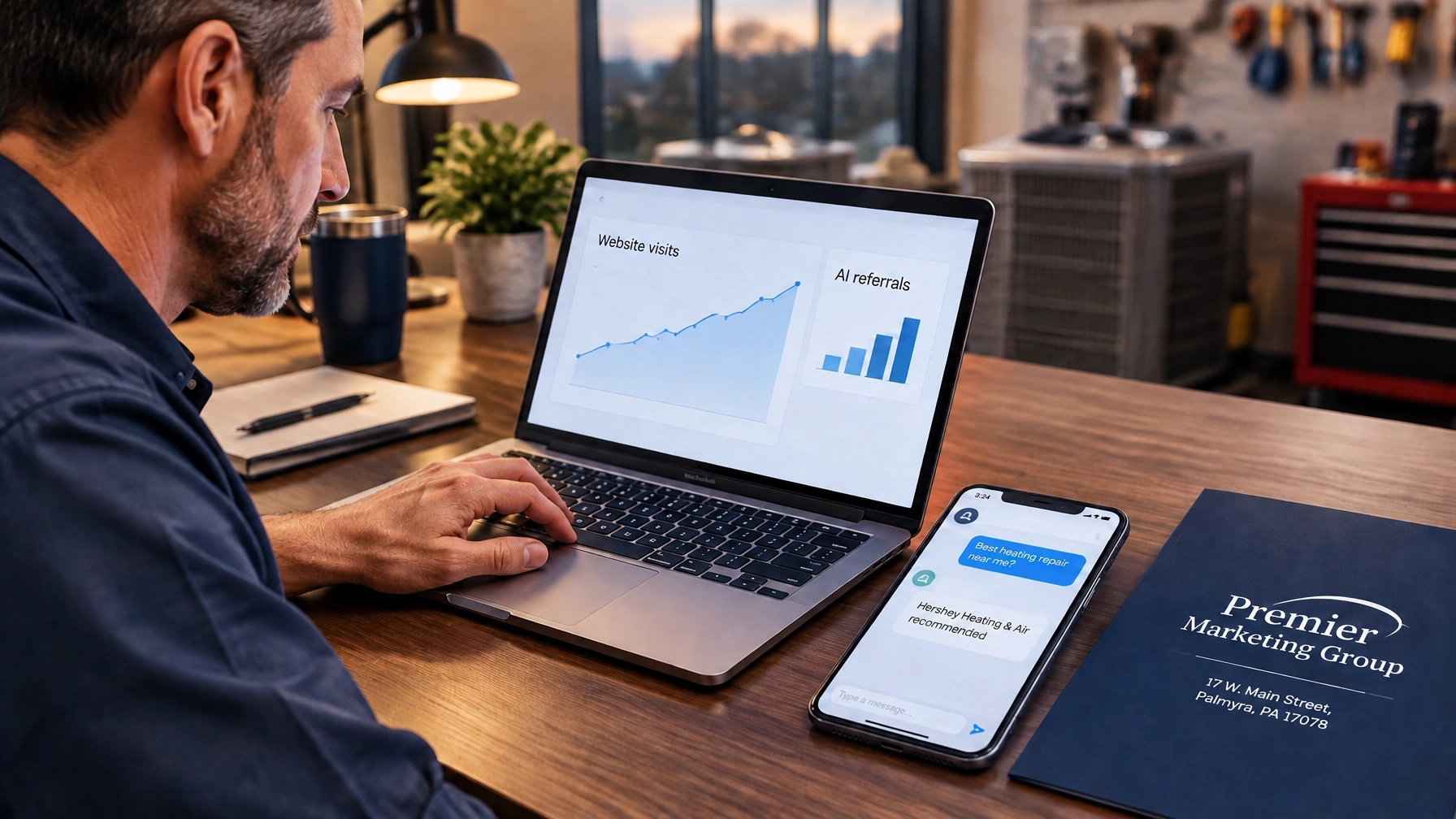
At 9 p.m., a homeowner discovers a burst pipe and texts a contractor. While that contractor is deciding whether to answer in the morning, the homeowner may contact someone else. In urgent moments, every minute between inquiry and response can affect who gets the opportunity.
Premier Marketing Group has spent more than a decade helping local businesses make their marketing work harder. One lesson is clear: attracting a lead is only the start. Your response system determines whether that interest becomes a real conversation, or a missed opportunity. Thoughtful marketing automation can make the first response prompt without making it feel robotic.
Key takeaways:
Speed-to-lead is the time between a person contacting your business and your first response. It applies to web forms, phone calls, texts, and other inquiries, not just leads from a particular advertising channel.
The delay can be longer than you think. A Harvard Business Review study reported that, among responding companies in its audit of 2,241 U.S. businesses, average first response time to an online lead was 42 hours. In a separate analysis, companies that tried to contact a lead within an hour were nearly 7 times as likely to qualify it as companies that waited an additional hour, and more than 60 times as likely as those that waited 24 hours or longer. Qualification meant reaching a meaningful conversation with a decision-maker, not making a sale.
The lesson isn’t that every business must use the same timer. It’s that a long delay gives interest time to fade. Think of a new lead like a door opening: a prompt, helpful greeting keeps the conversation moving.
A slow reply can quietly waste the effort, and budget, you used to earn the inquiry.
Picture a Lebanon County HVAC company getting a web inquiry while its technicians are on jobs. Without a shared alert or an automatic acknowledgment, the request could sit in an inbox until the workday ends. A brief, useful first response won’t diagnose the problem or guarantee a booking, but it can keep the customer from wondering whether anyone saw the message.
Your website and lead-generation channels create the opportunity; your follow-up process protects it. If visitors can’t quickly understand how to contact you, review your custom website design and lead-capture path.
Start with a few well-chosen workflows rather than automating every customer interaction. Your marketing automation service can help connect these steps into a consistent process.
Speed up the first contact. Trigger an immediate, plain-language text or email after a form submission. For missed calls, send a brief text-back that confirms you saw the call and explains when someone can respond. Ask for permission and honor communication preferences.
Route every lead to one place. Send forms, calls, and texts into a shared inbox or customer management system. Assign each inquiry to a person, and flag high-priority requests so no one has to search across separate accounts.
Automate appointment confirmations and reminders. Send the date, time, and a simple way to confirm or reschedule. A meta-analysis of SMS appointment reminders in healthcare settings found that, across the randomized trials included, text reminders increased the odds of attendance (summary odds ratio 1.48). That is evidence for reminder systems in healthcare, not a guaranteed result for every business. For a Palmyra-area dentist, a practical workflow might send a confirmation when a visit is booked and a reminder beforehand. The same principle may help other appointment-based businesses by making details easier to find and changes easier to communicate. (Read the meta-analysis.)
Write first-touch templates that sound human. Use the person’s name when available, acknowledge what they asked about, and give a clear next step. For example:
Hi [Name], thanks for reaching out to [Business]. We saw your message about your heating issue. Is the system not working at all, or are you having a different problem? A team member will follow up shortly.
The message should fit the inquiry. Avoid empty “your request is important to us” language that leaves people unsure what happens next.
Set a human fallback rule. Decide who owns the conversation after the automatic reply. For example, assign new inquiries to the on-duty person and create a callback task if the customer hasn’t received a human response during business hours. For urgent requests, define a clear escalation path.
Automation buys you time; it doesn’t replace your judgment. The first response can confirm receipt, collect basic details, or offer a booking link. A person should take over when the customer needs advice, has a sensitive concern, or asks something outside your approved answers.
A useful boundary is simple: automate the acknowledgment and handoff; let people handle nuance, trust, and decisions. AI marketing tools can help draft or organize responses, but a human should review messages that need context or care. Your system should make it easier to reach someone, not trap a customer in an endless loop.
Your marketing channels work together. SEO and paid ads can bring people to your business, but a lead that goes unanswered has less chance to become a customer. More calls answered and inquiries followed through can support more completed jobs, which may create more opportunities to invite honest customer feedback.
That can contribute to a stronger reputation over time, but fast responses do not guarantee reviews or better search rankings. They improve the customer experience and help you make more of the traffic you already earn.
This is where local SEO services and follow-up meet: search visibility can bring the inquiry; a reliable response process helps you turn it into a conversation. The same applies to paid traffic. Faster follow-up gives your PPC management a better chance of converting paid clicks into real conversations, without promising a particular result.
Track a small set of measures consistently. Review them by lead source so you can see where delays occur and whether changes help.
Use the numbers to find bottlenecks, not to chase a vanity target. If a response is technically fast but confusing or unhelpful, improve the message and handoff.
Not necessarily. Start with the tools you already use and identify where inquiries are getting lost. As volume or complexity grows, a shared inbox or customer management platform can help centralize messages, assign ownership, and measure response time.
They can if they feel generic, arrive too often, or pretend a person has already reviewed the request. Keep messages brief, relevant, and honest about what happens next. Provide a clear way to reach your team.
There’s no claim here that response time directly improves Google rankings. Faster follow-up can indirectly support marketing outcomes by helping you serve and convert more of the people who contact you. Reviews and reputation are separate processes; don’t treat quick replies as a ranking guarantee.
Use an after-hours acknowledgment that says when a person will respond. If your business handles urgent requests, create an on-call escalation process. Otherwise, set a clear expectation, such as a callback during the next business day.
The tipping point is often not a shortage of leads. It’s the time between a customer reaching out and someone taking ownership. Start with one workflow, measure what happens, and improve it as you learn. Automation can help you respond promptly; your people turn that first touch into trust.
Premier Marketing Group can help you build a practical system around your business, from lead capture to follow-up. Contact us to discuss your next step and keep improving the customer experience.
Meta description: Marketing automation helps local businesses respond faster to every lead, recover more missed calls, and turn more inquiries into booked jobs and steady growth.